In this tutorial, we will explore how to get a fake phone number for Venmo. This can be particularly useful for privacy reasons, or accessing Venmo from a different country. By following the steps outlined below, you will be able to set up and use a virtual phone number for Venmo from Numero eSIM app.
How to get a fake phone number for Venmo from Numero
- Download Numero app from your phone store.

- Create an account using your primary phone number.
- Tap “Phone Numbers”
- Choose “Mobile Numbers”
- Choose “USA”
- Choose a number and continue to purchase the number.
Note: Get an 70% discount on the annual subscription.
How to activate Venmo with the virtual phone number
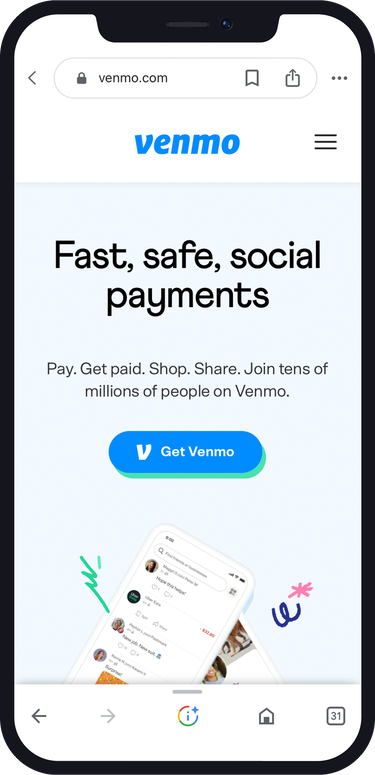
- Visit Venmo website
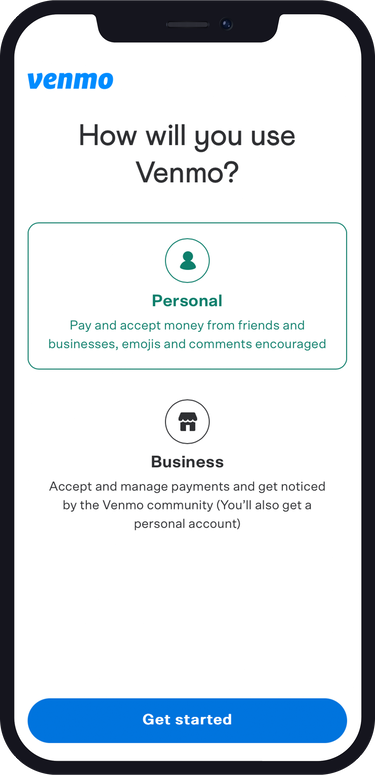
- Choose the type of account you want to create, “Personal”.
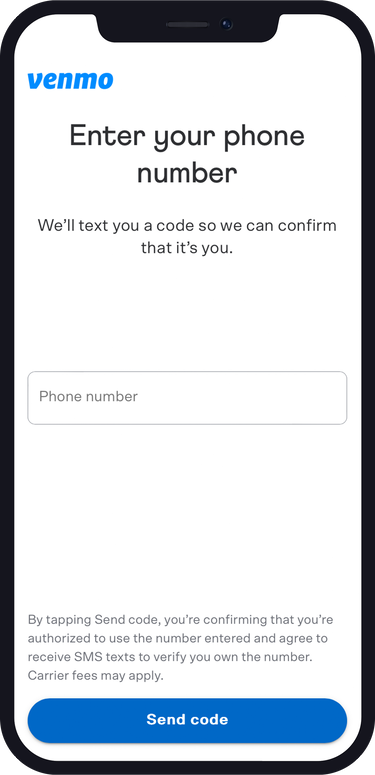
- Enter the US virtual phone number you obtained from Numero.
- Enter the verification code you received in Numero app.
5. Continue the required steps to activate your account.
Test and Use your Virtual Phone Number for Venmo: Once the verification process is complete, test your virtual phone number by sending a test transaction or requesting payment from a trusted contact. Ensure that you receive notifications and can access your Venmo account using the virtual phone number. If everything works correctly, you can start using the virtual phone number for your Venmo transactions.
Conclusion
Using a virtual phone number for Venmo provides an added layer of privacy and flexibility. Whether you want to maintain anonymity or access Venmo from a different location, a virtual phone number can be a valuable tool. By following the steps outlined in this tutorial, you can set up and use a virtual phone number for your Venmo transactions with ease by using Numero eSIM app.