


How To Get A Toll Free Number For Business And Use It In Numero eSIM
The smartest decision you could make for your business is to get a toll free number and dedicate it to your call center or customer support team to encourage more customers to call you and increase the possibility of closing more deals.
Numero eSIM app now allows you to own toll-free numbers for your business, with the ability to receive multiple calls at the same time, have full control of received calls history and benefit from more features.
Read the following details and learn how to use your toll-free number for the business.
Where Toll-Free Numbers Are Available
Toll-Free is currently available for six countries: Canada (€7/month), Denmark (€13/month, ID required), Cyprus (€25/month), South Africa (€40/month, ID required), Colombia (€50/month), and Serbia (€78/month). The full list and current rates are shown on the Toll-Free Numbers page before you buy — prices and ID requirements can change over time.
How To Get A Toll Free Number
On the app: if you don’t already have it installed, download the Numero eSIM app and create an account with your real phone number. On the website: create an account with your email instead.
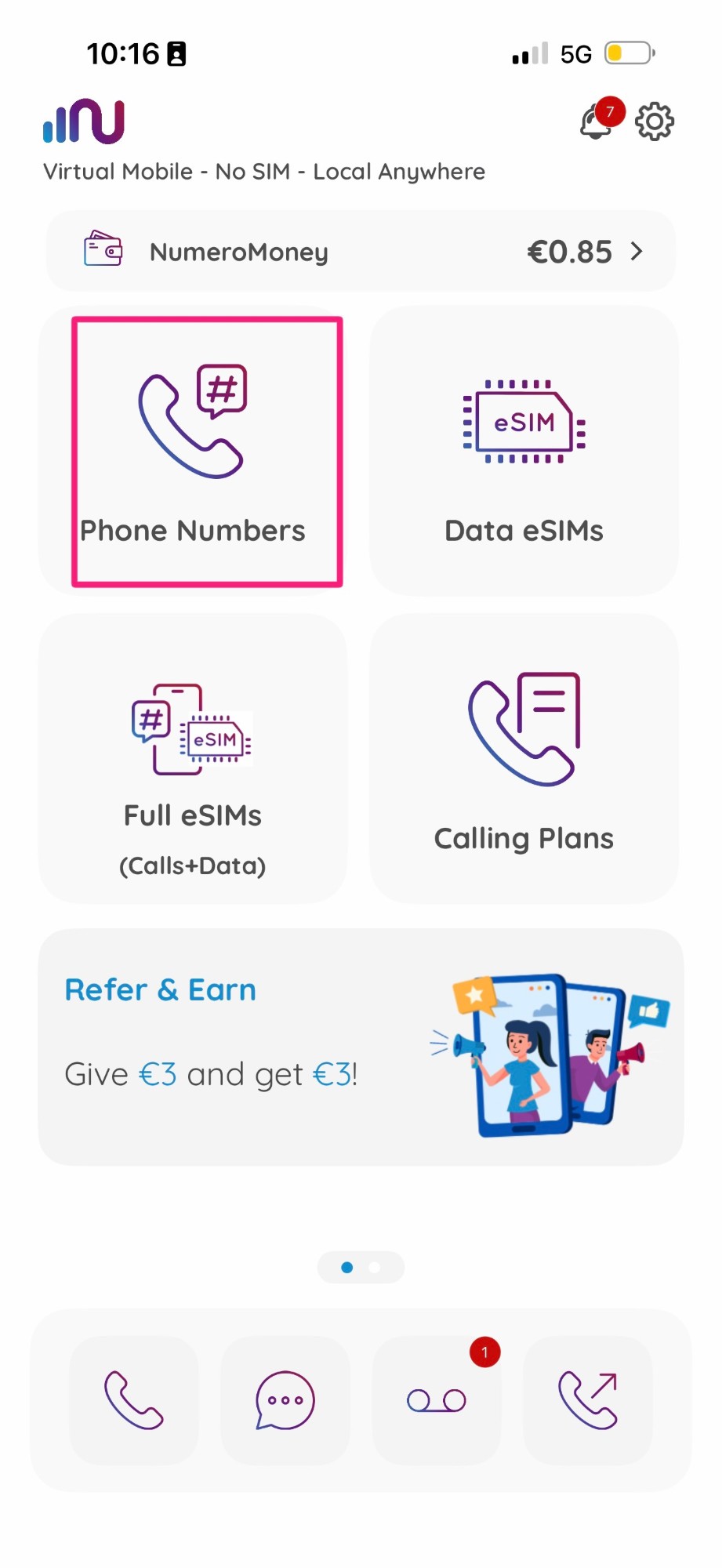
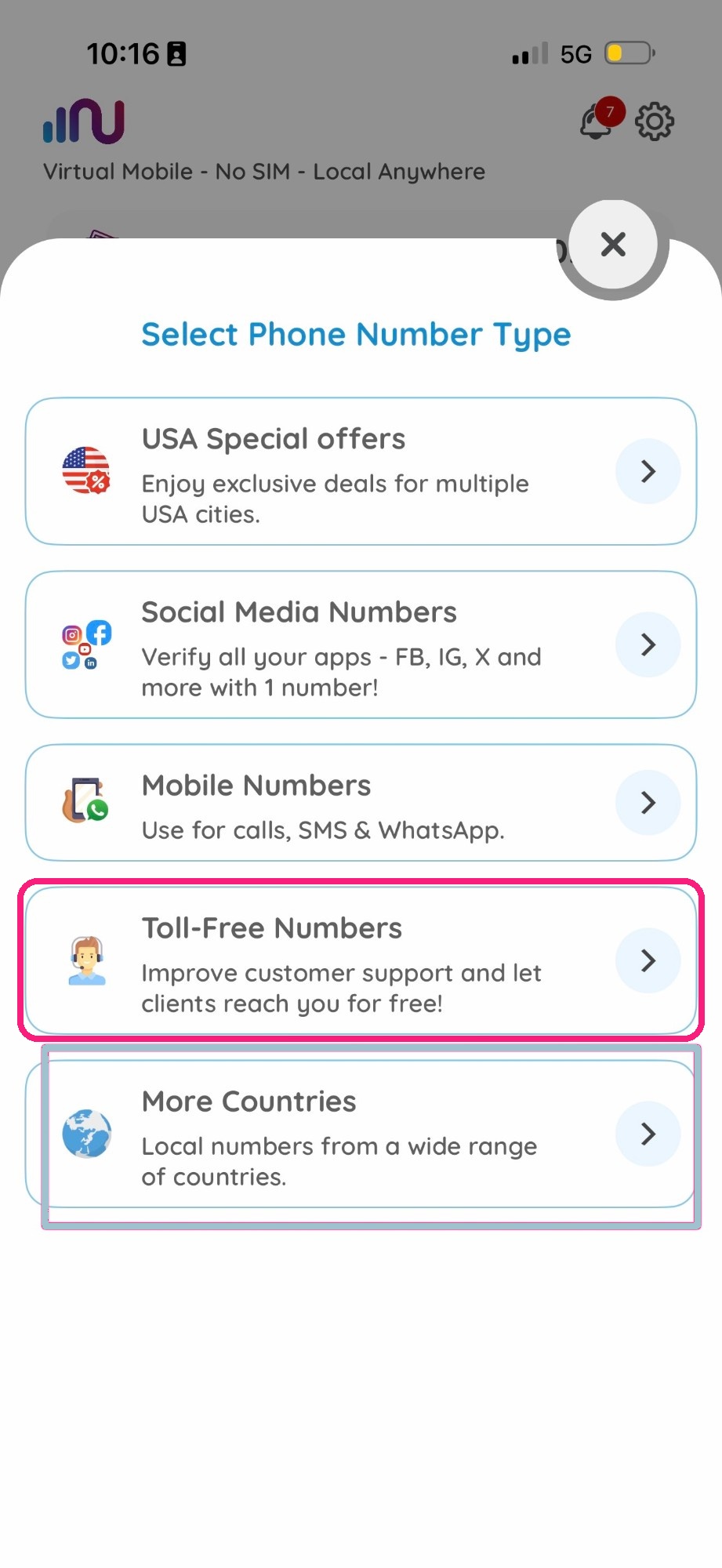
Then choose from the main page “Phone Numbers” > “Toll-Free Numbers” > choose your country and number > subscribe and start using it in your business.
Visit here to know more details on how to buy a virtual number.
How To Benefit From Multiple Channels Feature
As mentioned, you can receive multiple calls at once on one toll-free number — up to five concurrent active call lines. You can check the number of lines your toll-free number supports during the buying process.
If you already have a toll-free number, you can check your number’s details on the “My Active eSIMs” page.
How To Check Calls Rates & History
Calls Rates
- You can check call rates (from Fixed, Mobile or PayPhone numbers) through the buying process on the Subscription Summary page.
- Also, you can check call rates by clicking on the information icon of your number’s details on the “My Active Numbers” page.
You’ll be able to see details about incoming calls from all sources.
Calls History
To access the full details of received calls history, click on the “Calls History” icon beside your toll-free number on the “My Active eSIMs” page.
FAQ
Can I make outgoing calls with my toll-free number?
Yes — Numero toll-free numbers support outgoing VoIP calls, not just inbound.
Do toll-free numbers work for receiving SMS?
It varies by number — some support inbound SMS, others are call-only. This is shown on each listing before you buy.
Do I need ID to get a toll-free number?
It depends on the country — Denmark and South Africa currently require ID, the others don’t. This is shown on the listing before you buy and can change over time.
How many calls can my toll-free number handle at once?
Up to five concurrent active call lines, depending on the plan.