Learn how to activate Botim with a second phone number from Numero and make voice and video calls to your loved ones around the world. Our step-by-step tutorial will guide you through the process with ease.
Botim is a popular app for making voice and video calls to your friends and family around the world. With more than 10 million downloads on Google Play Store, Botim has become one of the top-rated apps in its category. Numero is a virtual phone app that provides a second phone number for users to activate apps like Botim and make calls and send messages from anywhere in the world.
Step 1: Download and Register in Botim
The first step to activating Botim with a second phone number from Numero is to download and install the Botim app on your mobile device. You can download the app from Google Play Store or the App Store, depending on your device. Once you have downloaded the app, open it and create an account.
Step 2: Get a Second Phone Number from Numero
To activate Botim with a second phone number from Numero, you need to have a Numero account. Download and install the Numero app from Google Play Store or the App Store. Once you have downloaded the app, sign up for a new account and purchase a second phone number from the social media numbers category.
2.1: To download Numero eSIM app


2.2 To purchase the number
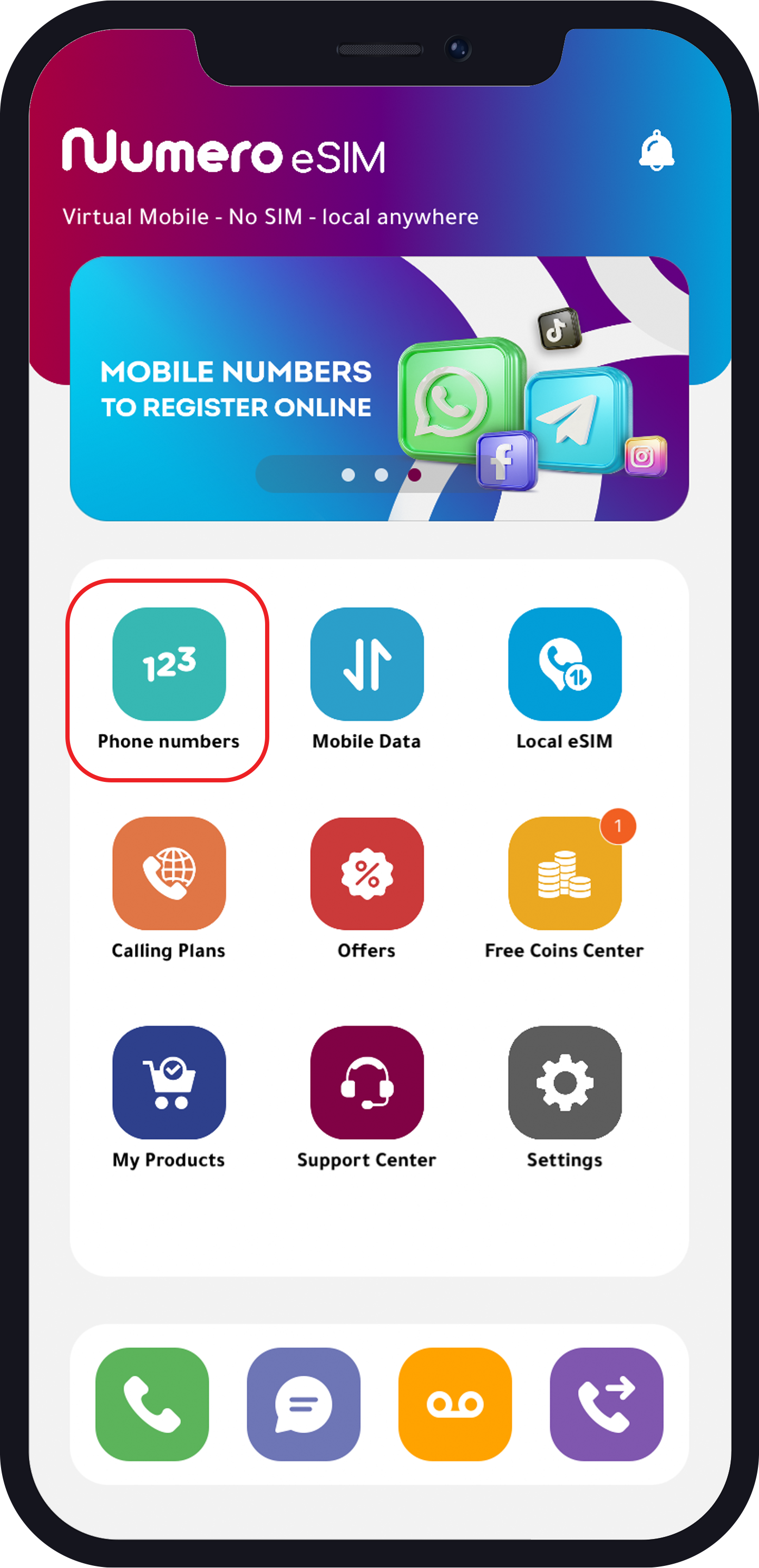
- Tap “Phone Numbers”
- Choose one of the following categories:
- Social Media Numbers
- USA Special Offers
- Mobile Numbers
-
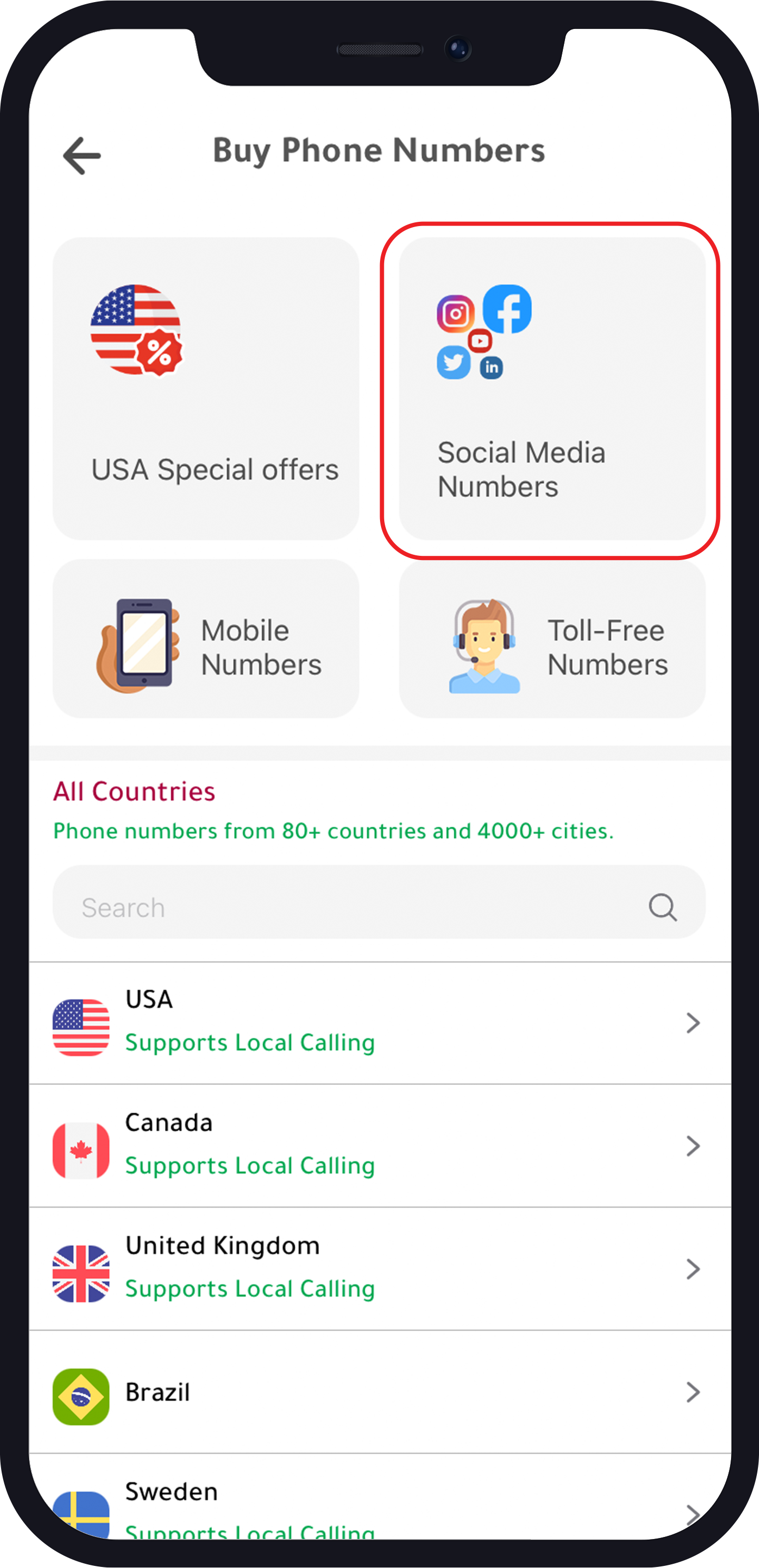
Social Media Numbers
- Tap “Social Media Numbers”
- Choose your number
- Choose your plan
- Buy the plan
2. USA Specia Offers
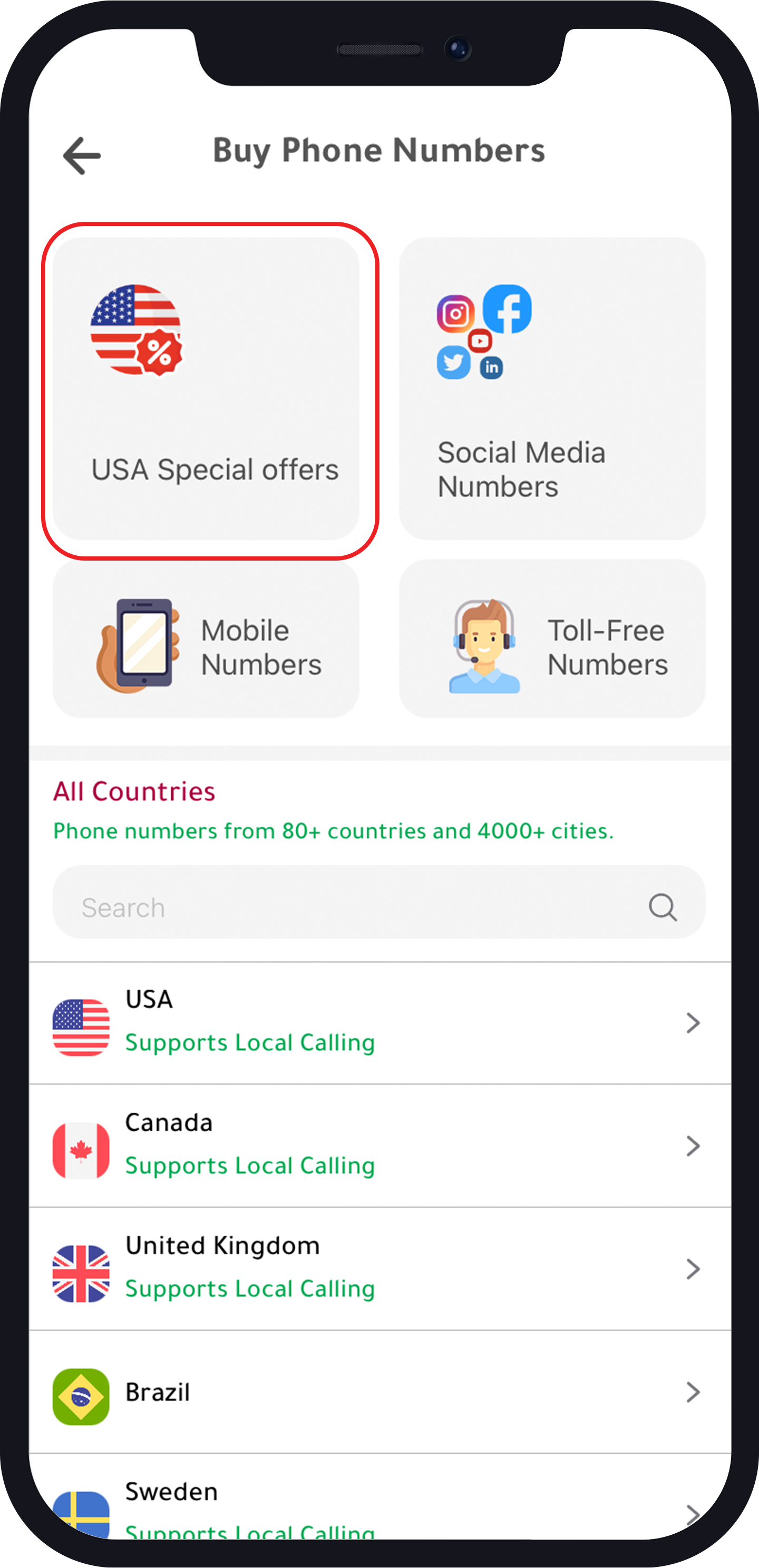
- Tap “USA Special Offers”
- Choose your number
- Choose your plan
- Buy the plan
70% dicsount on annual subscription
3. Mobile Numbers
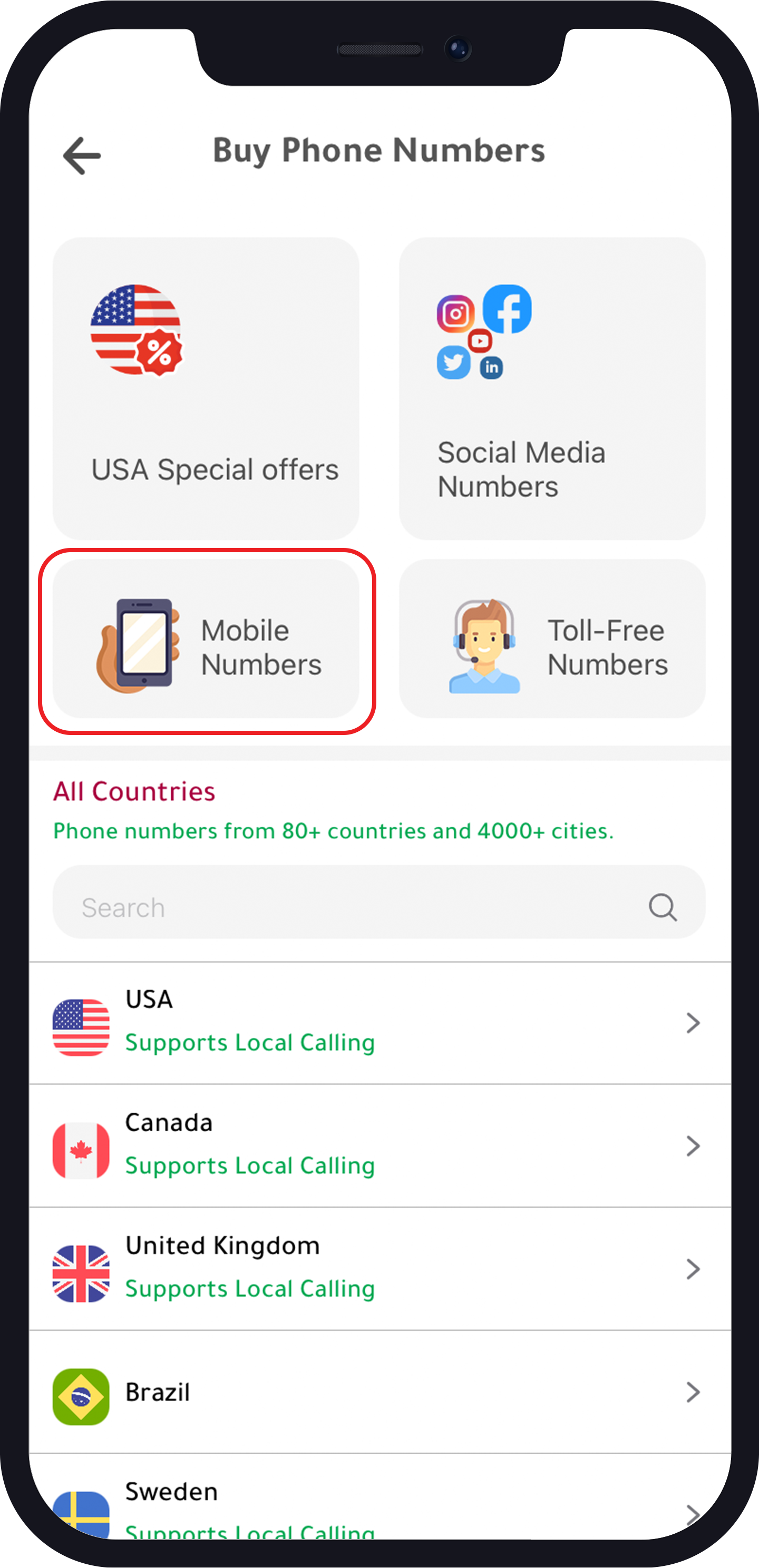
- Tap “Mobile Numbers”
- Choose the country
- Choose the number
- Buy the number
Some countries numbers are available in multiple plans.
Step 3: Activate Botim with Numero
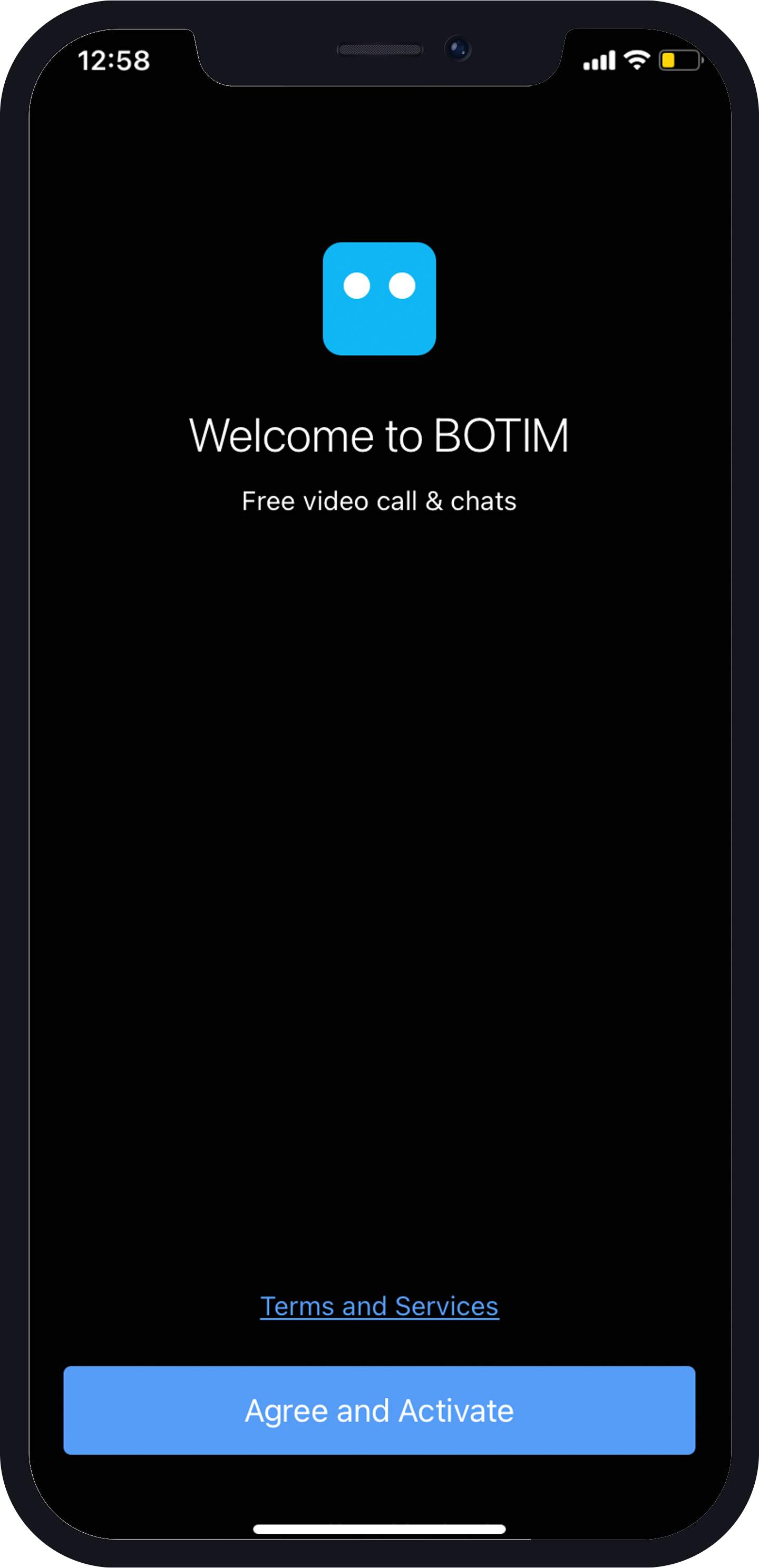
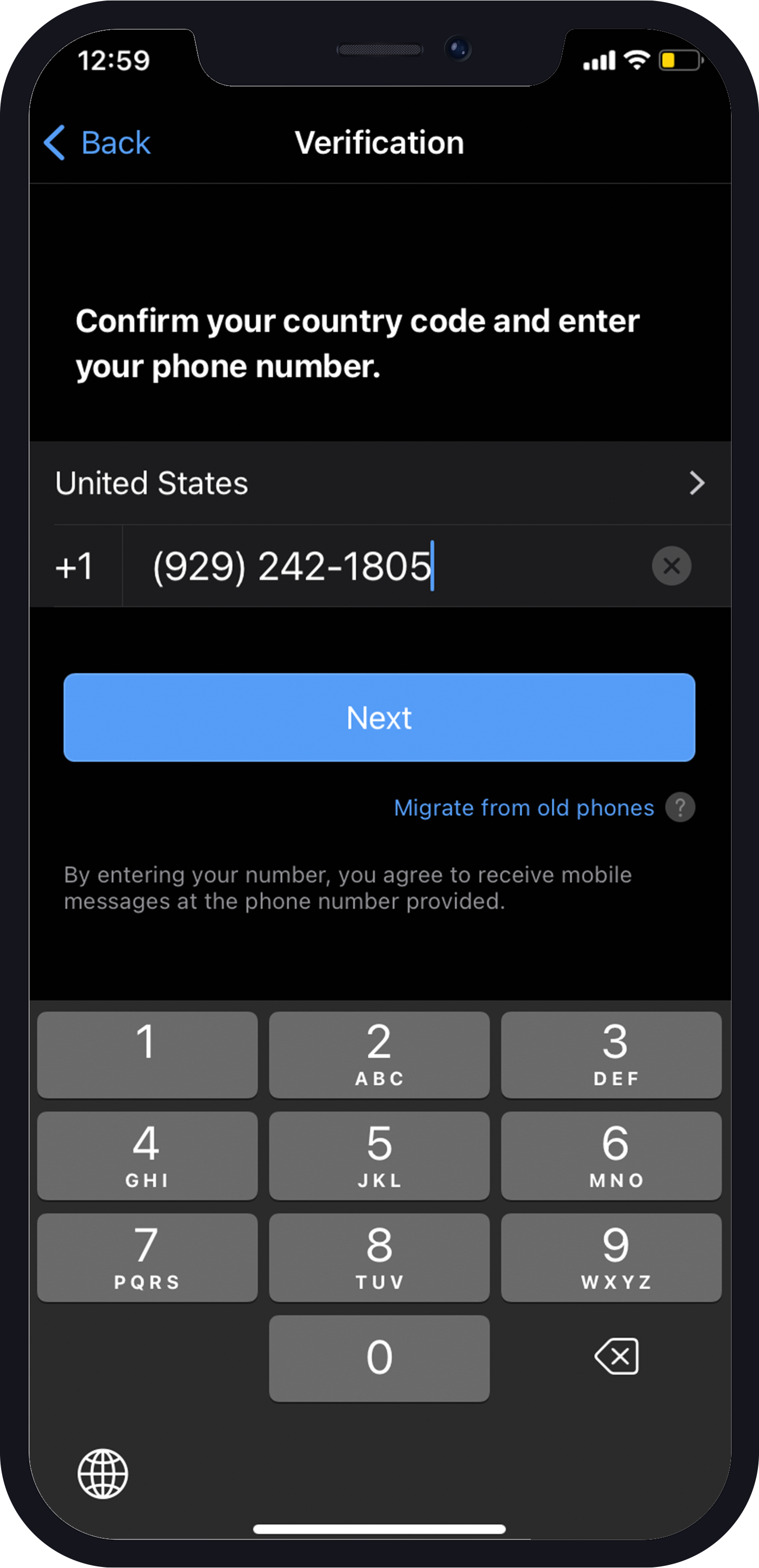
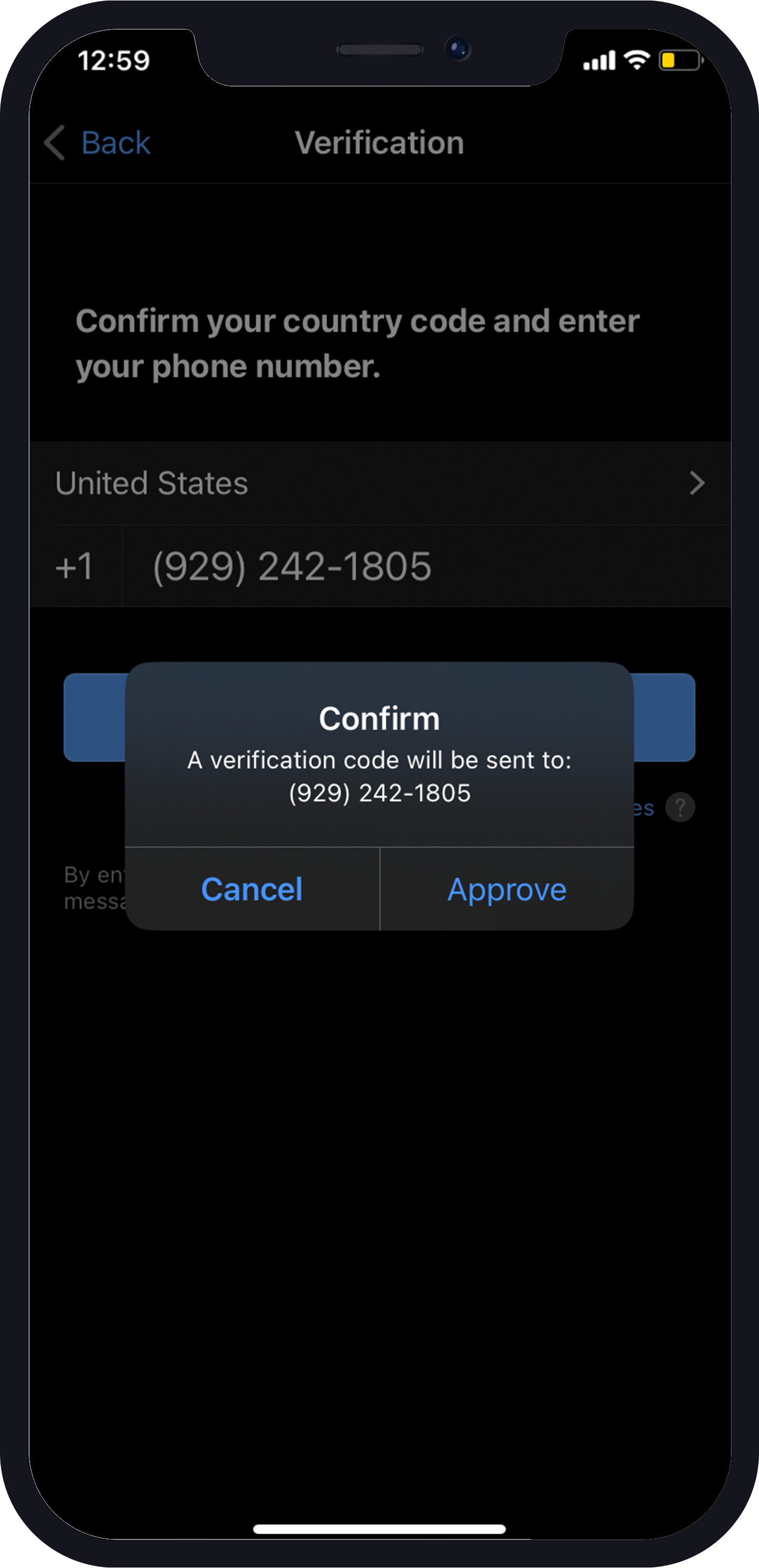
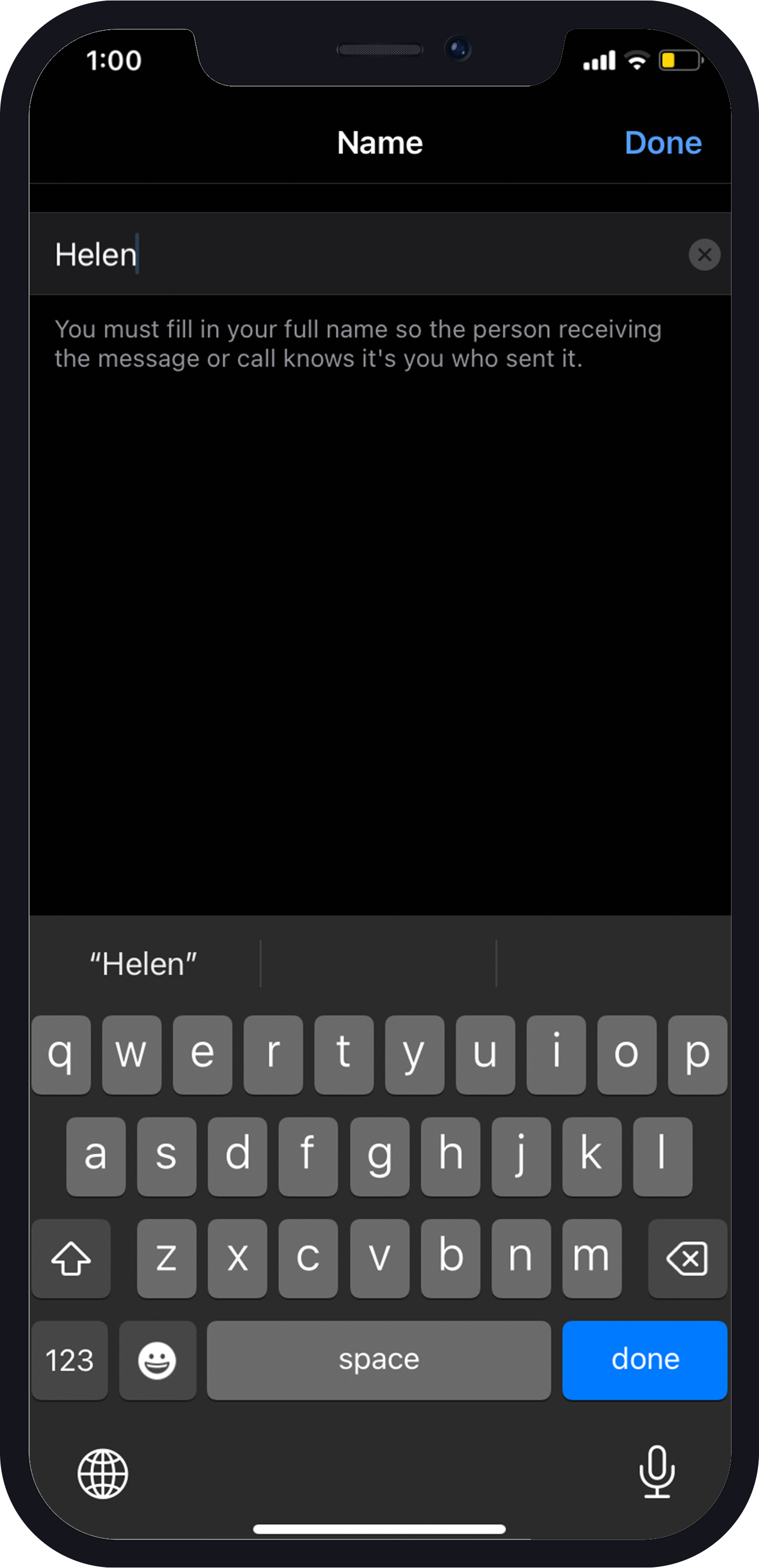
After you have purchased a second phone number from Numero, you can activate Botim with it. Open the Botim app and tap on “Agree and Activate”. Next, choose the country (US), enter your Numero phone number, and click “Next.” Botim will send a verification code to your Numero number, which you should enter to complete the activation process.
Step 4: Enjoy Botim with Your Second Phone Number
Congratulations! You have successfully activated Botim with your second phone number from Numero. Now, you can make voice and video calls to your loved ones around the world without any restrictions. You can also send text messages and share multimedia files with your friends and family.
One of the benefits of using Botim with a second phone number from Numero is that you can maintain your privacy. You do not have to give out your real phone number to anyone you do not trust. You can use your Numero number to make calls and send messages, and nobody will be able to trace it back to you.
Another benefit is that you can save money on international calls. With Botim, you can make calls to anyone around the world without paying high charges. Instead, you pay a flat rate for the second phone number from Numero and enjoy unlimited calls and messages with Botim.
Try Numero today and get a second phone number to activate Botim and enjoy unlimited voice and video calls with your friends and family around the world. With Numero, you can stay connected and maintain your privacy at the same time. Download the app now and start enjoying the benefits!