How to Avoid Roaming Charges on a Cruise
Discover extensive strategies to steer clear of excessive roaming charges while reveling in your cruise vacation. Explore a spectrum of practical solutions, including the innovative eSIM solutions from Numero.
Imagine yourself on a luxurious cruise ship, surrounded by the vast expanse of the open sea, and the promise of exotic destinations on the horizon. Amidst this excitement, there’s a potential storm brewing – the dreaded roaming charges. Don’t let these charges cast a shadow over your dream cruise. In this comprehensive guide, we’ll unveil an array of ingenious strategies to help you sidestep those costly roaming charges during your cruise adventure. And that’s not all – we’ll introduce you to Numero’s revolutionary solutions, a beacon of connectivity without the hefty price tag.
Cracking the Code of Roaming Charges on Cruises:
Cruises, with their multiple port stops and international routes, are a unique challenge for mobile users. Roaming charges can surge due to the ship’s constant mobility and its reliance on satellite networks. Activities that seem harmless, such as checking emails, posting pictures, or even streaming music, can lead to an unexpected and unpleasant surprise on your bill.
Strategic Tactics for Roaming Charge Prevention:
Mastering Airplane Mode and Wi-Fi Harmony
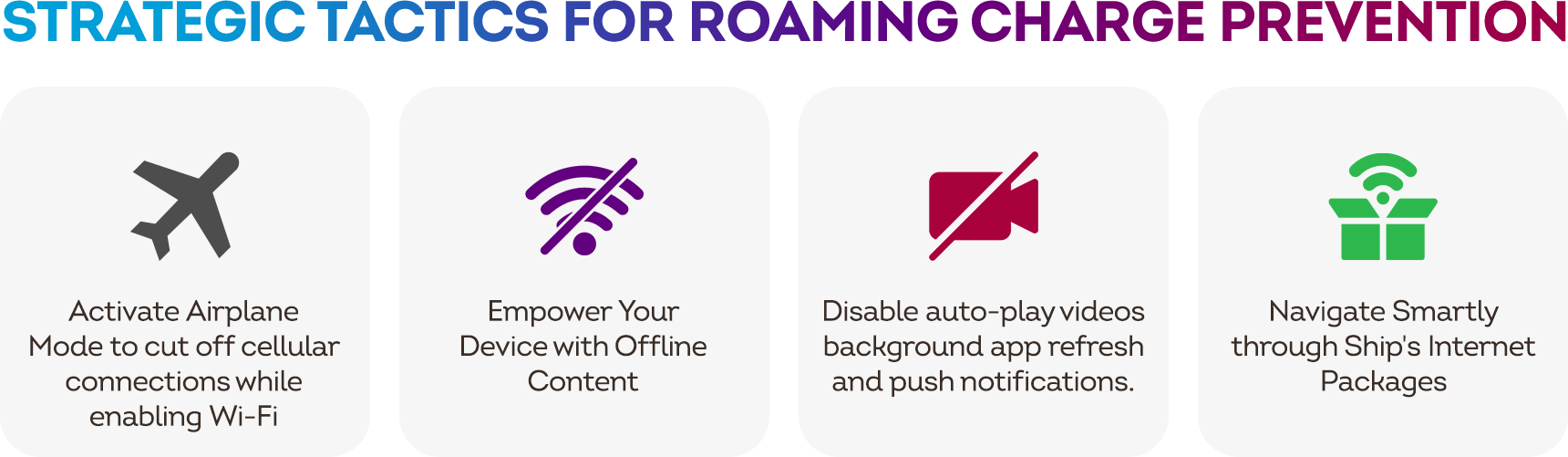
Set your device to Airplane Mode to cut off cellular connections while enabling Wi-Fi. This allows you to leverage the ship’s or port’s network for messaging apps, internet browsing, and even making calls via Voice over Internet Protocol (VoIP) – all without triggering those costly roaming fees.
Example: Imagine sending picturesque sunrise photos via WhatsApp to your envy-inducing friends back home, all while basking in the Wi-Fi zone at the ship’s deck.
How to turn on Airplane mode on different devices
iPhone and iPad (iOS):
- Open the Control Center:
- On iPhone X or later: Swipe down from the upper-right corner of the screen.
- On iPhone 8 or earlier: Swipe up from the bottom of the screen.
- Look for the Airplane Mode icon (an airplane silhouette) and tap it to turn it on. The icon will turn blue when Airplane Mode is active.
Android Smartphones and Tablets:
- Open the Notification Shade by swiping down from the top of the screen.
- Find the Airplane Mode icon (usually depicted as an airplane silhouette) and tap it to enable Airplane Mode. The icon may change color to indicate that Airplane Mode is active.
Windows 10 PC:
- Open the Action Center by clicking on the speech bubble icon in the bottom-right corner of the taskbar or pressing the “Windows key + A.”
- Click on the Airplane Mode icon to toggle it on. The icon will turn blue when Airplane Mode is active.
Mac (macOS):
- Click on the Apple menu () in the top-left corner of the screen.
- Select “System Preferences.”
- Choose “Network.”
- Click on the “Turn Wi-Fi Off” button. This will also disable Bluetooth and other wireless connections.
Smartwatches (e.g., Apple Watch, Android Wear): For most smartwatches, you can access Airplane Mode through the device’s settings:
- On Apple Watch: Swipe up from the watch face to access the Control Center, then tap the airplane icon.
- On Android Wear: Swipe down from the watch face to access the Quick Settings, then tap the airplane icon.
Remember that while in Airplane Mode, your device’s cellular, Wi-Fi, and Bluetooth connections will be turned off. You can manually enable Wi-Fi and Bluetooth after activating Airplane Mode if you still want to use those features while disconnected from cellular networks.
Empowering Your Device with Offline Content
Before setting sail, arm your device with a treasure trove of offline content. Download maps, podcasts, e-books, and your favourite playlists. This way, you can navigate, stay entertained, and indulge in reading without dipping into your data reserve.
Example: As you lounge by the pool, you can catch up on your favourite podcast episodes without worrying about data depletion.
Data Diet: Managing App Usage
Be the captain of your data destiny by managing app settings. Disable auto-play videos, background app refresh, and push notifications. This ensures that your data isn’t syphoned by apps operating behind the scenes.
Navigating Smartly through Ship’s Internet Packages
Many cruise lines offer internet packages tailored to different needs. While there’s a cost involved, these packages can often be a more cost-effective option compared to standard roaming charges. Opt for a package that allows you to stay in touch with loved ones through emails and social media, all while enjoying the mesmerising sea views.
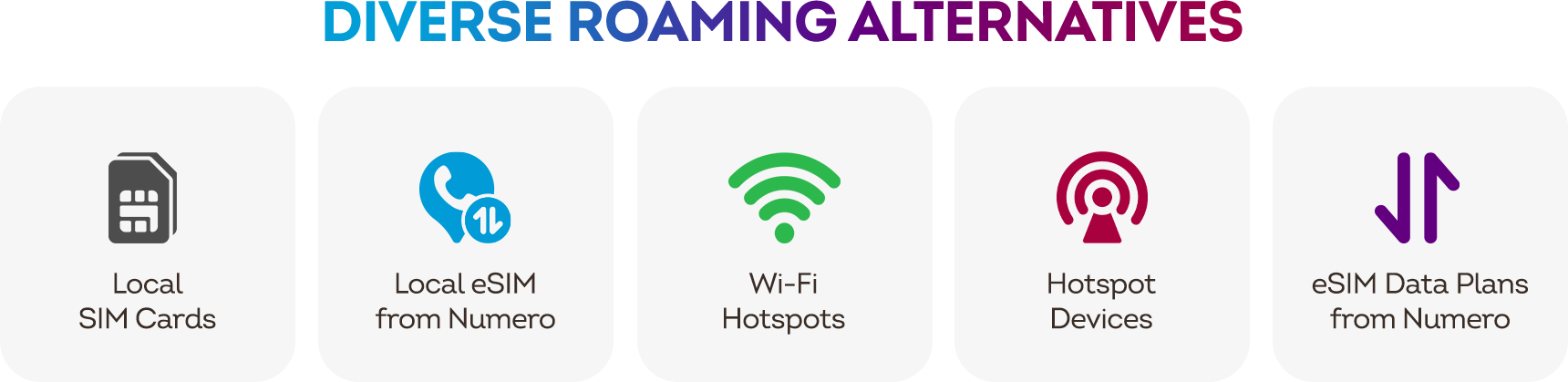
Expanding Your Horizons: Exploring Diverse Roaming Alternatives
Local SIM Cards: A Port-Hopping Strategy: Depending on the countries your cruise visits, consider purchasing local SIM cards at each port. This can provide you with affordable data and allow you to fully immerse yourself in the local culture.
Wi-Fi Hotspots: Anchoring at Connectivity Havens: When in port, keep an eye out for free Wi-Fi hotspots at local cafes, restaurants, and tourist spots. These hotspots can be a saving grace for catching up on emails and social media.
Unleash Hotspot Devices at Anchor Points: Consider utilising portable hotspot devices during your cruise. These compact devices can provide you with your personal Wi-Fi hotspot, allowing you to connect your devices and access the internet seamlessly when you’re in port. This option grants you the freedom to stay connected on your terms, ensuring you can catch up on emails and social media without relying solely on public Wi-Fi hotspots.
Numero’s Groundbreaking eSIM Data-Only Plans
In an era of technological innovation, Numero’s eSIM data-only plans emerge as a lifesaver. Numero offers versatile eSIM data-only; local and regional, and for 150+ countries. Acquire and activate your chosen plan effortlessly, providing a secure and private internet option wherever you are – a reliable alternative to public Wi-Fi or limited connectivity. Check supported countries and available packages from here.
Our data plan operates on supported networks with widespread coverage; however, it's important to be aware that there may be instances of limited connectivity in certain sea areas due to network coverage constraints. We strive to provide a seamless experience, but please keep in mind that occasional signal loss could occur in remote maritime locations. Your understanding is greatly appreciated.
Conclusion
As you embark on your dream cruise, don’t let the specter of roaming charges dampen your spirits. With a strategic approach and a suite of savvy solutions, you can navigate the seas of connectivity without fear. Whether you’re mastering Airplane Mode, diving into offline content, or leveraging Numero’s eSIM data-only plans, this guide equips you to sail confidently. So, set sail with a sense of adventure, knowing that you’re equipped to conquer roaming charges and make the most of your cruise voyage. Bon voyage and bon appétit for your data-saving odyssey!