


Clubhouse Account Without a Real Phone Number
Do you want to get a fake number for Clubhouse? You are in the right place.
Clubhouse is a social networking app that gained significant popularity for its unique audio-based platform. Launched in 2020, it allows users to join virtual rooms and engage in real-time conversations on various topics. Unlike traditional social media platforms, Clubhouse emphasizes voice interactions rather than text-based communication.
Clubhouse was an invitation-only system. When the app first emerged, it required users to receive an invite from an existing member to join. On July 21, Clubhouse removed its invite system so that anyone can join.
By using a fake number, individuals could create one or multiple Clubhouse accounts without relying on invitations. This allowed them to access the app and participate in discussions without any restrictions.
In order to be able to obtain a fake number to create a Clubhouse account without a real number, you must follow the following steps:
- Download Numero app.
Create an account using your real number.

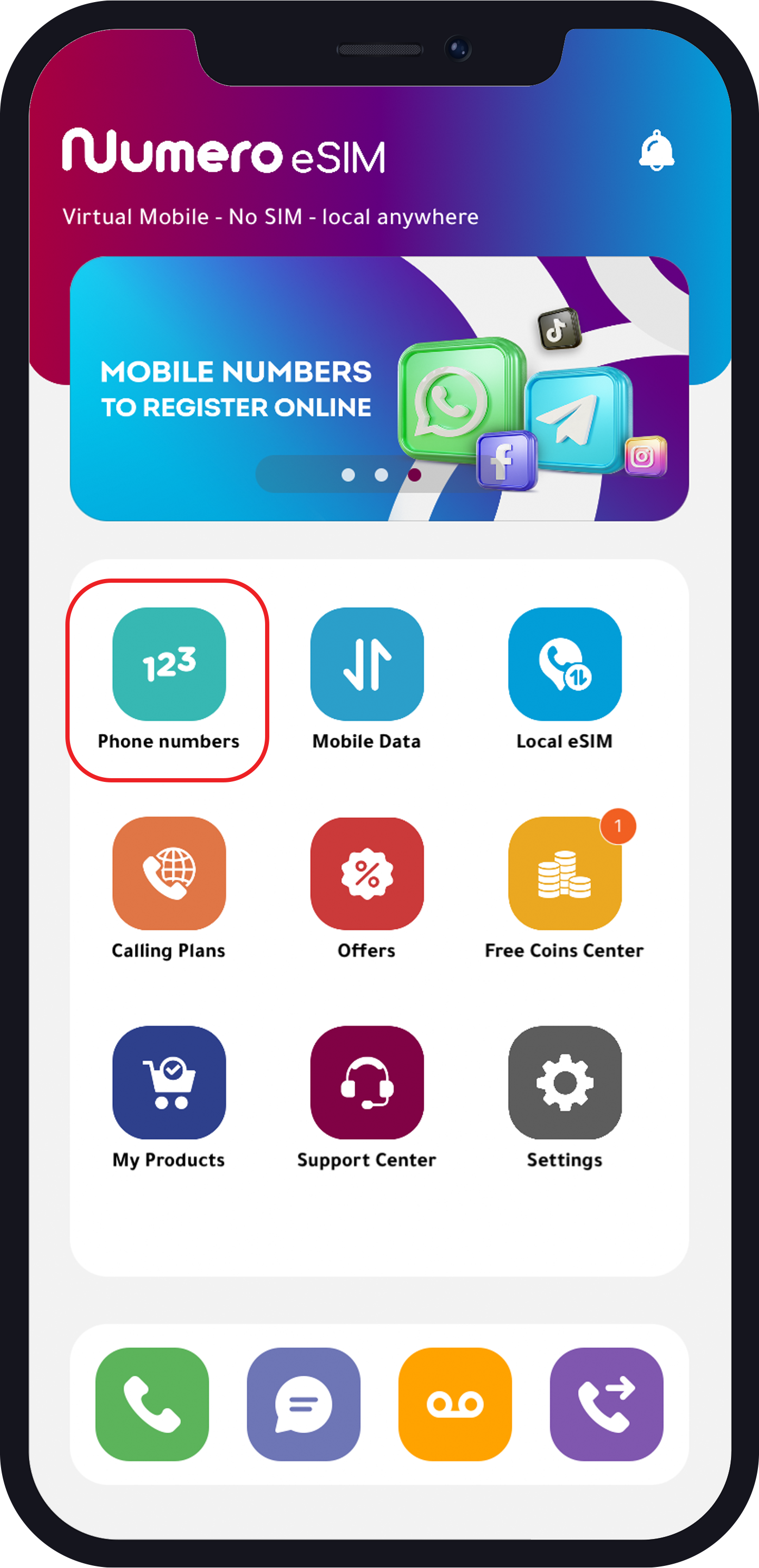
- Tap “Phone Numbers” and choose one of the following categories:
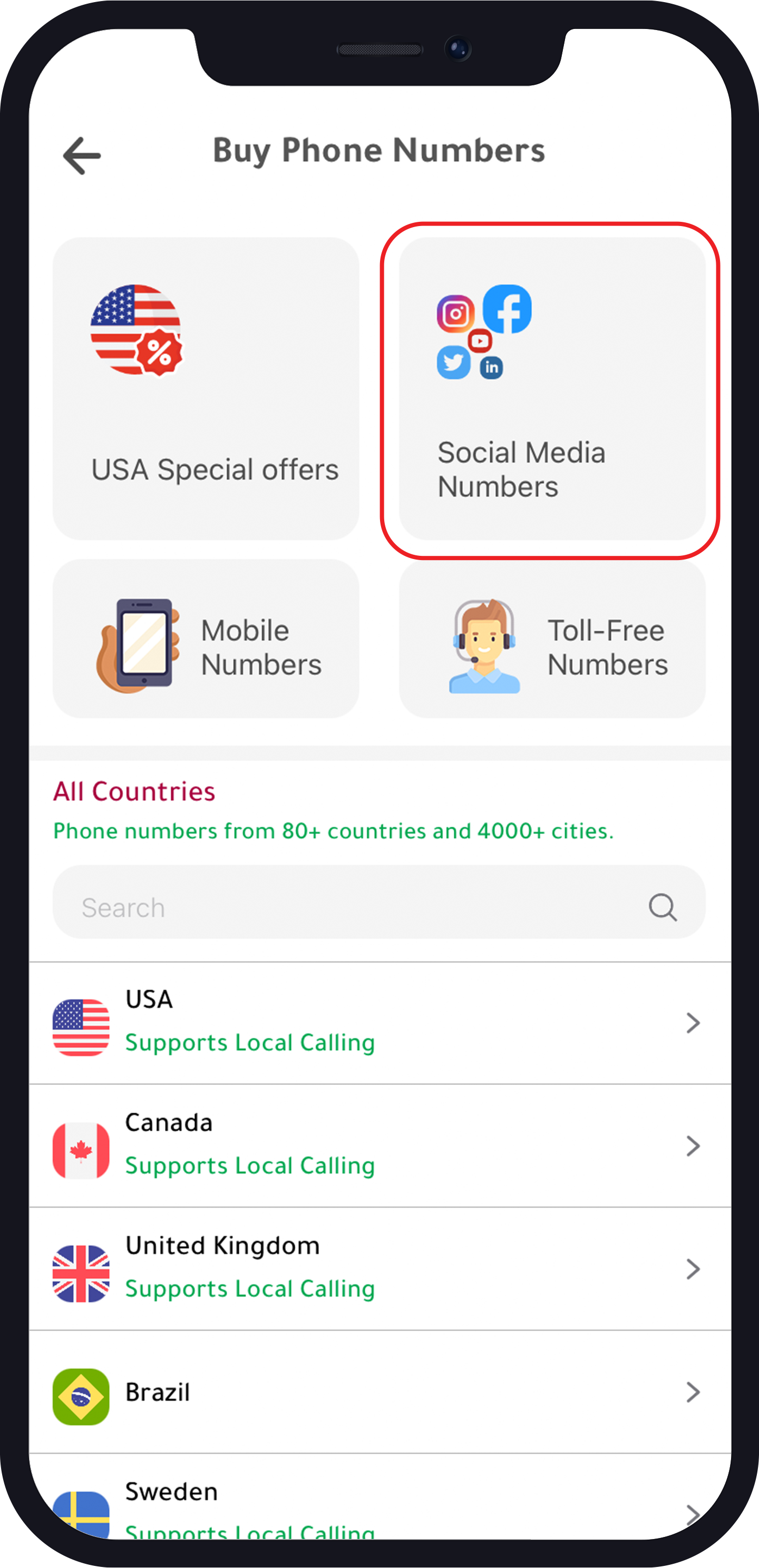
- Social Media Numbers.
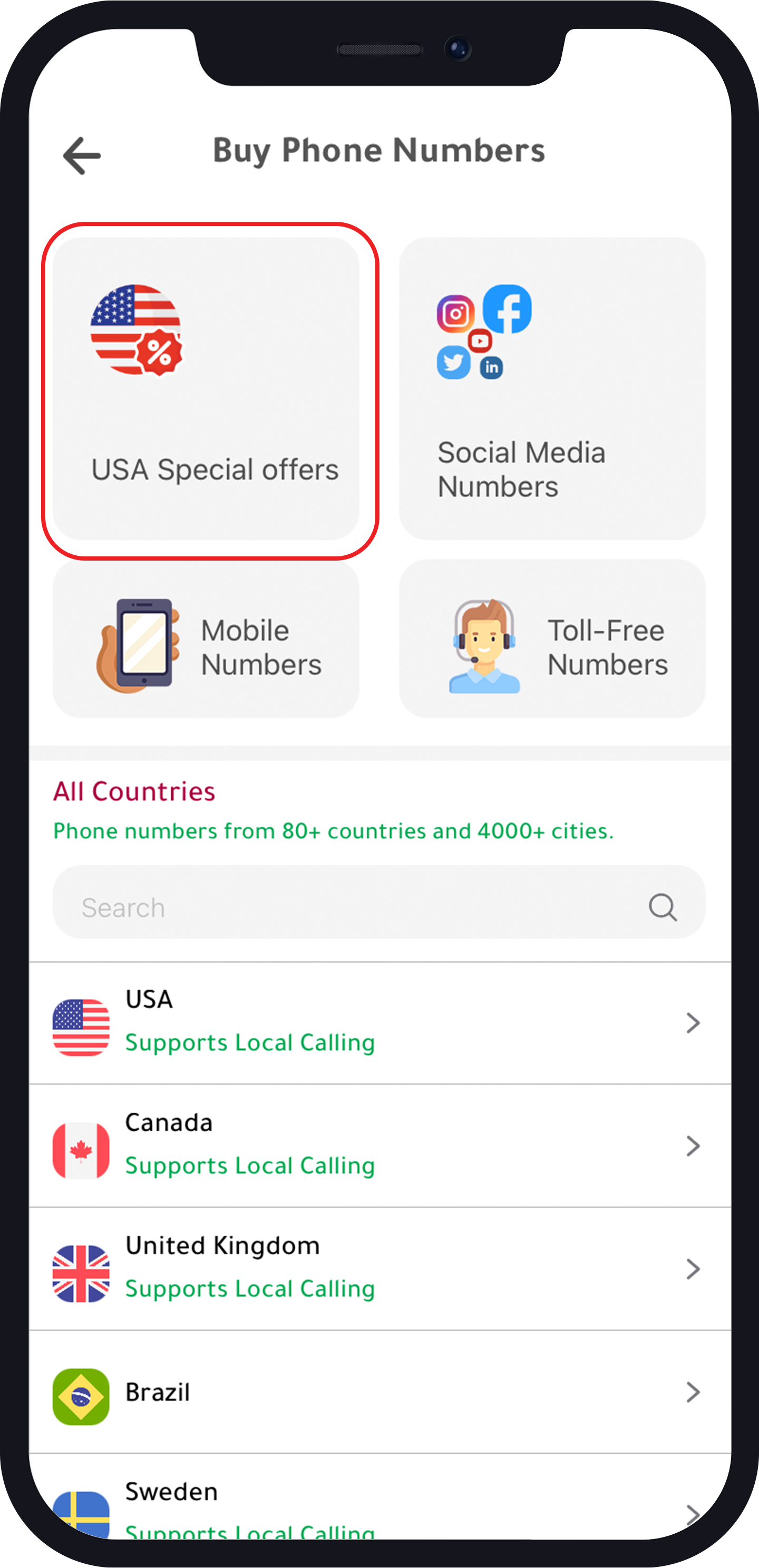
- USA Special Offers.
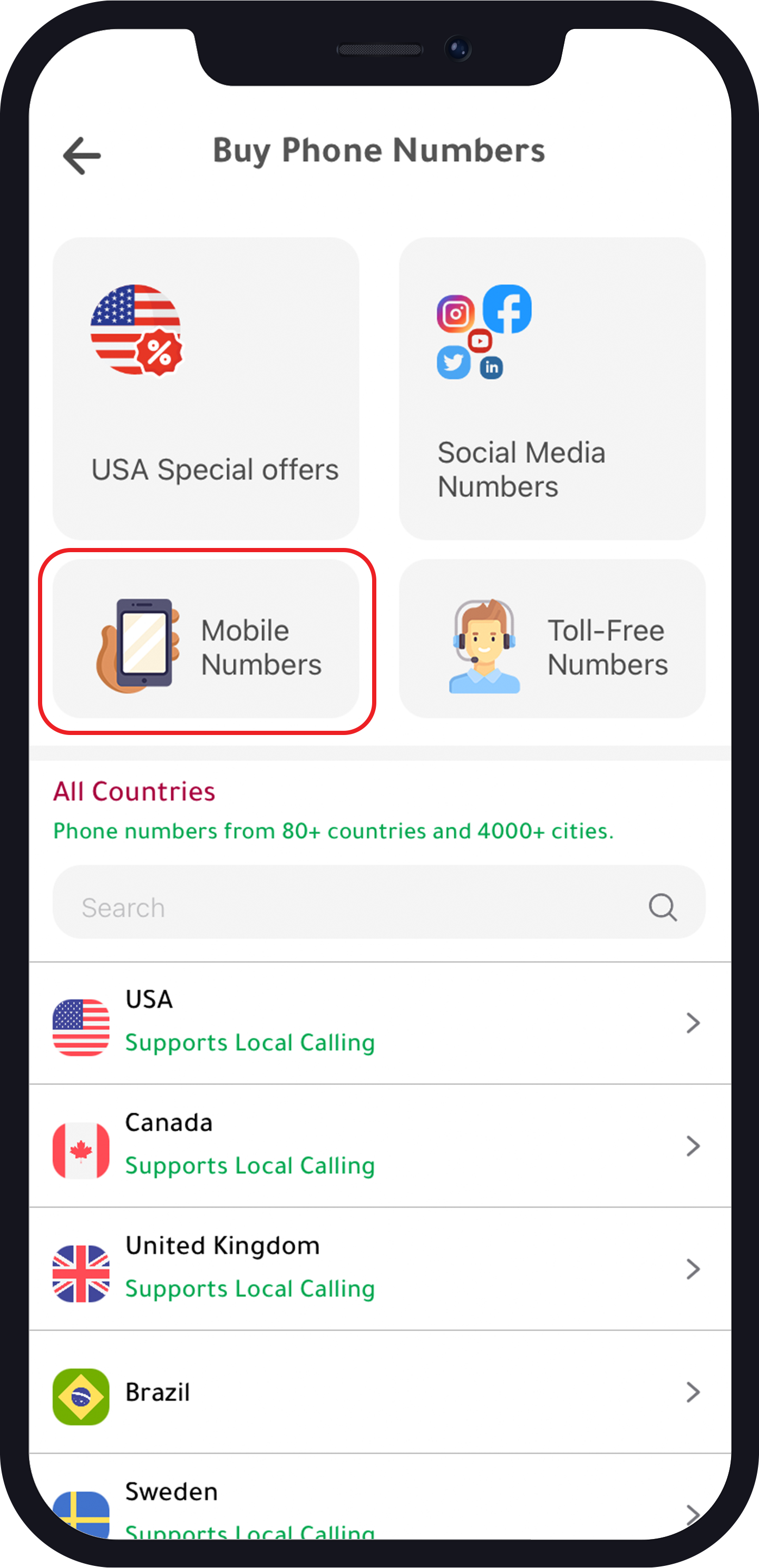
- Mobile Numbers
For Social Media Number
- Choose “Number for other social media”.
- Choose the country.
- Choose your number.
- Continue to purchase the plan.
For “Mobile Numbers”
- Choose the country.
- Choose the number.
- Choose the plan.
- Continue to purchase the plan.
For USA Special offers
- Choose the area.
- Choose your number.
- Choose your plan.
- Continue to purchase the plan.
How to create an account on Clubhouse
- Download the Clubhouse app.
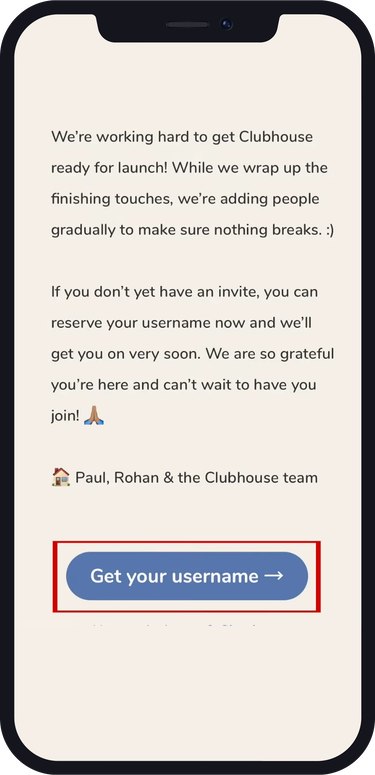
- Open the app and tap “Get your username”.
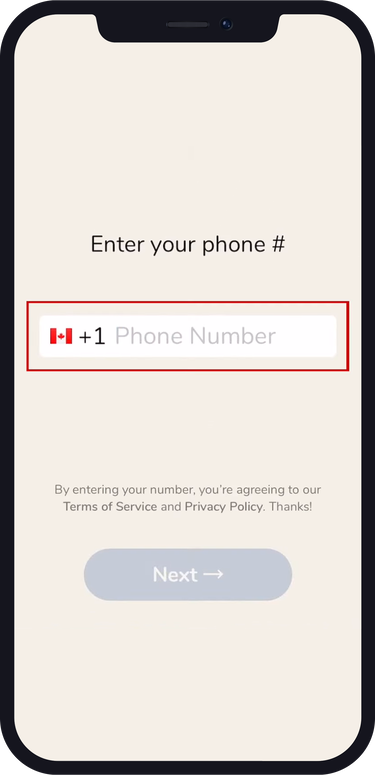
- Enter your virtual phone number from Numero and tap “Next”.
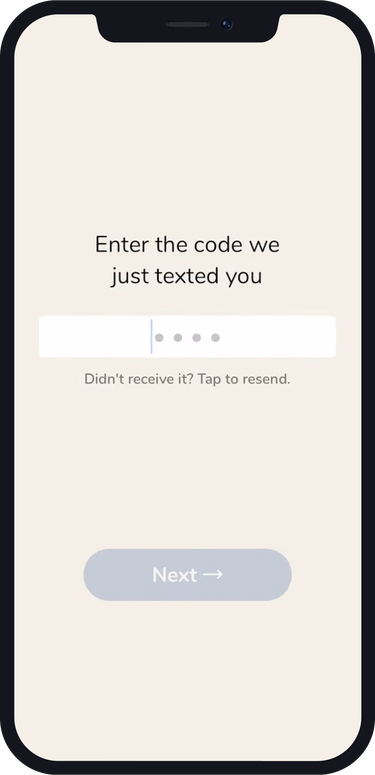
- Enter the code you received.
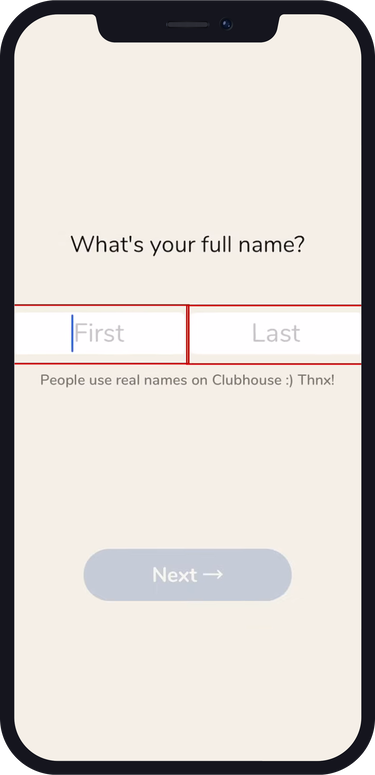
- Type your first and last name.
- Choose a user name.
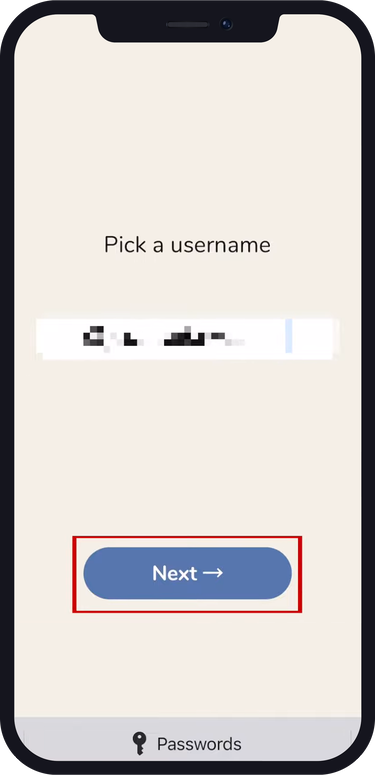
Now you need to wait for Clubhouse to send you a text message letting you know that your account is ready to be used or let someone you know who is already on Clubhouse send you an invitation to access the app.
FAQs
What is Clubhouse?
Clubhouse is an audio-based social networking app where users can participate in real-time conversations in virtual rooms.
Why would I need a virtual number for Clubhouse?
Some users may use a virtual number to create additional Clubhouse accounts if they do not have access to invitations, or for privacy.