
You can now easily create more than one account on Twitter without using your real phone number. Whether your goal is to create a main account or a second real account with the same name on the same device, this guide will show you how to do so.
Why Does Twitter Ask for Your Phone Number?
Twitter, like many other social media platforms, claims to need your phone number for the following reasons:
- Verify Your Identity: Ensures that you are a real person.
- Prove You Are Not a Robot: Helps to confirm you are not a bot.
- Keep Your Account Secure: Enhances account security.
- Reset Your Password Easily: Simplifies password recovery.
- Help Friends Find Your Account: Makes it easier for friends to locate your account.
How to Create a Twitter Account Without a Real Phone Number
To create a fake account on Twitter without using a real phone number, you must obtain a fake phone number from a reliable source. This ensures you can access this number whenever needed for account continuity and password resets. Once you have the fake number, the process becomes straightforward.
Steps to Create a Twitter Account with a Fake Number
1. Get a Virtual Phone Number to Activate Twitter
You can get a virtual number to activate Twitter from Numero by following these steps:
- Download Numero Application

- Create an Account
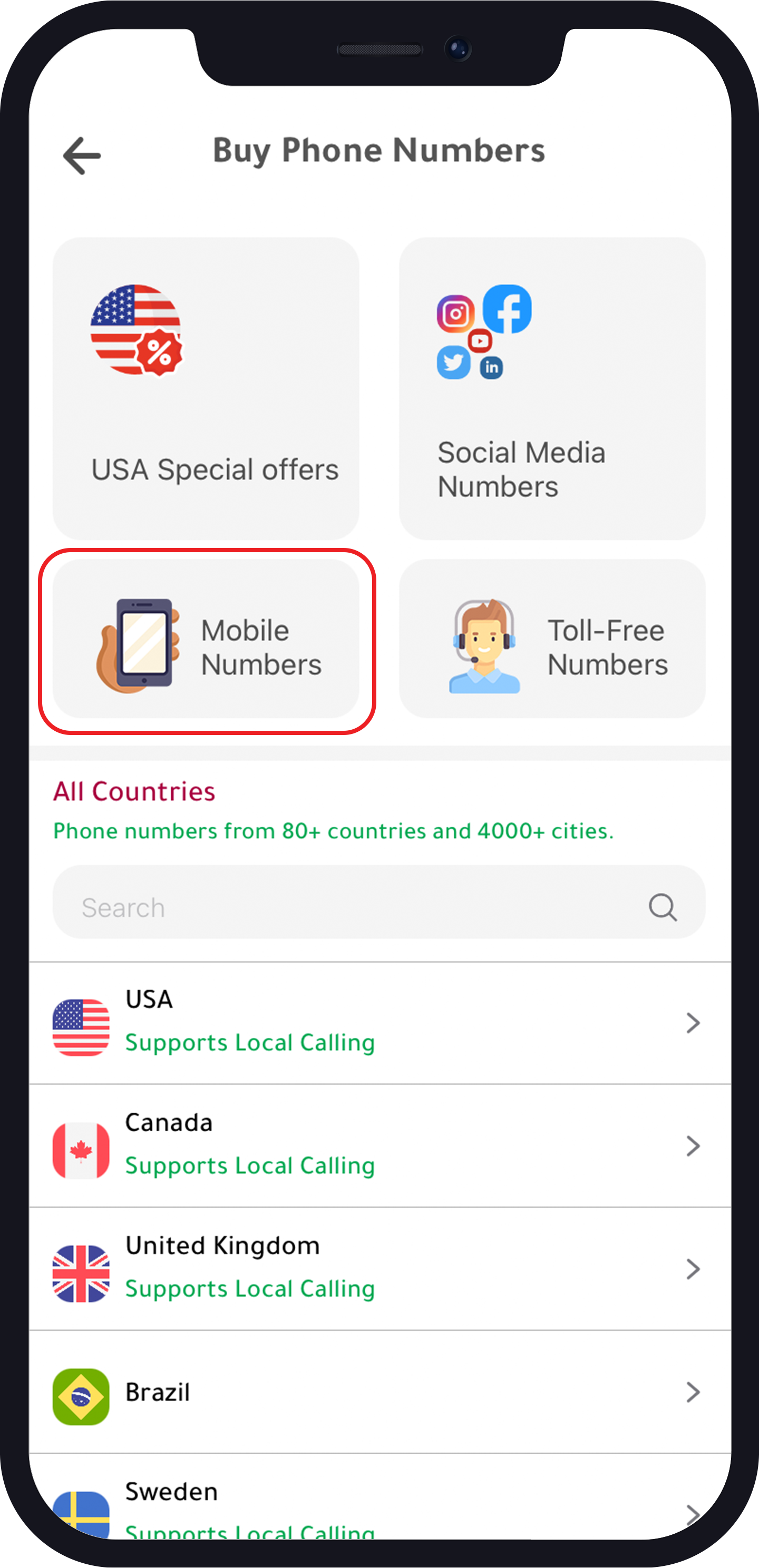
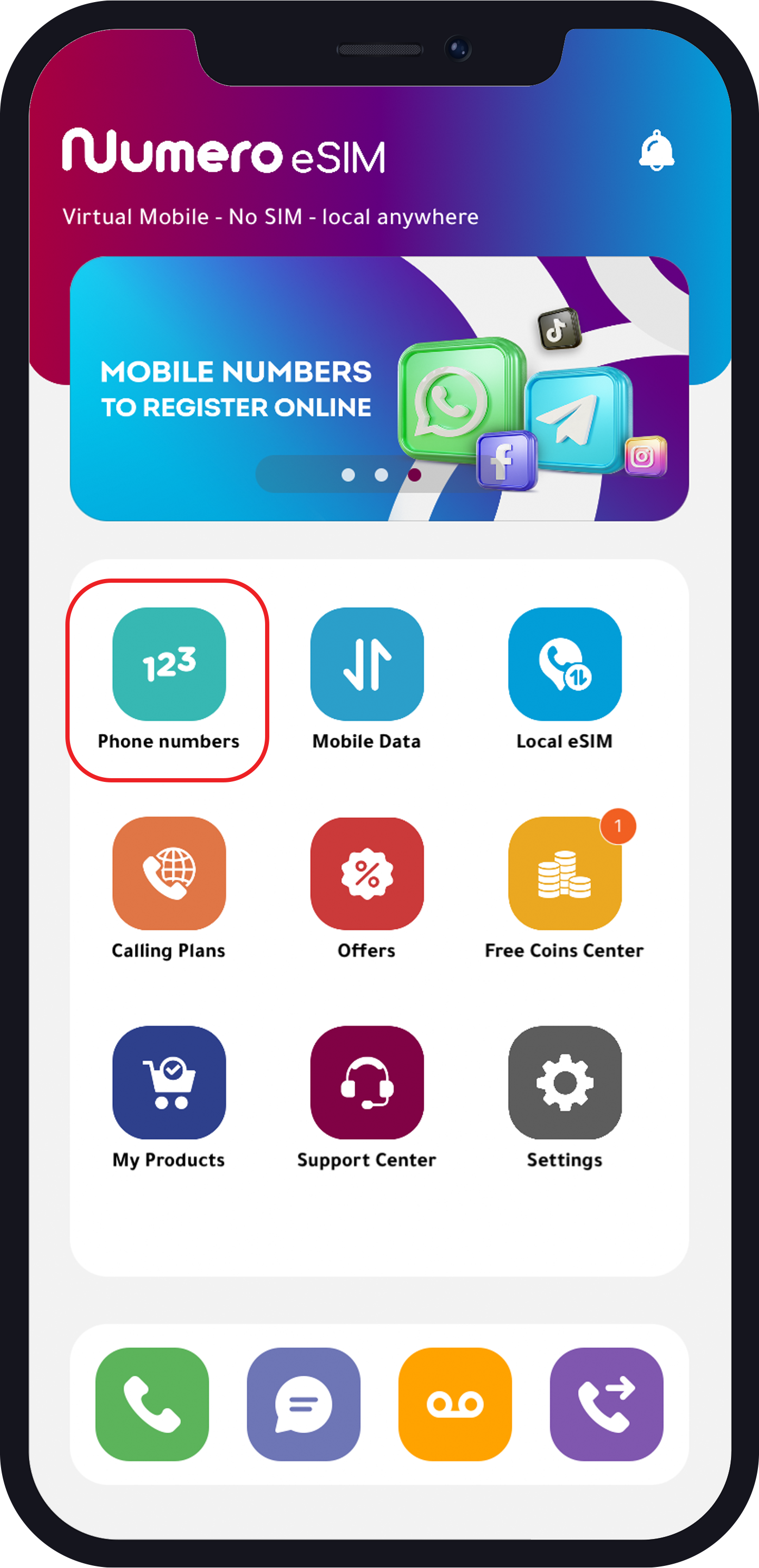
- Select “Phone Numbers” from the Home Page
- Choose One of the Following Categories:
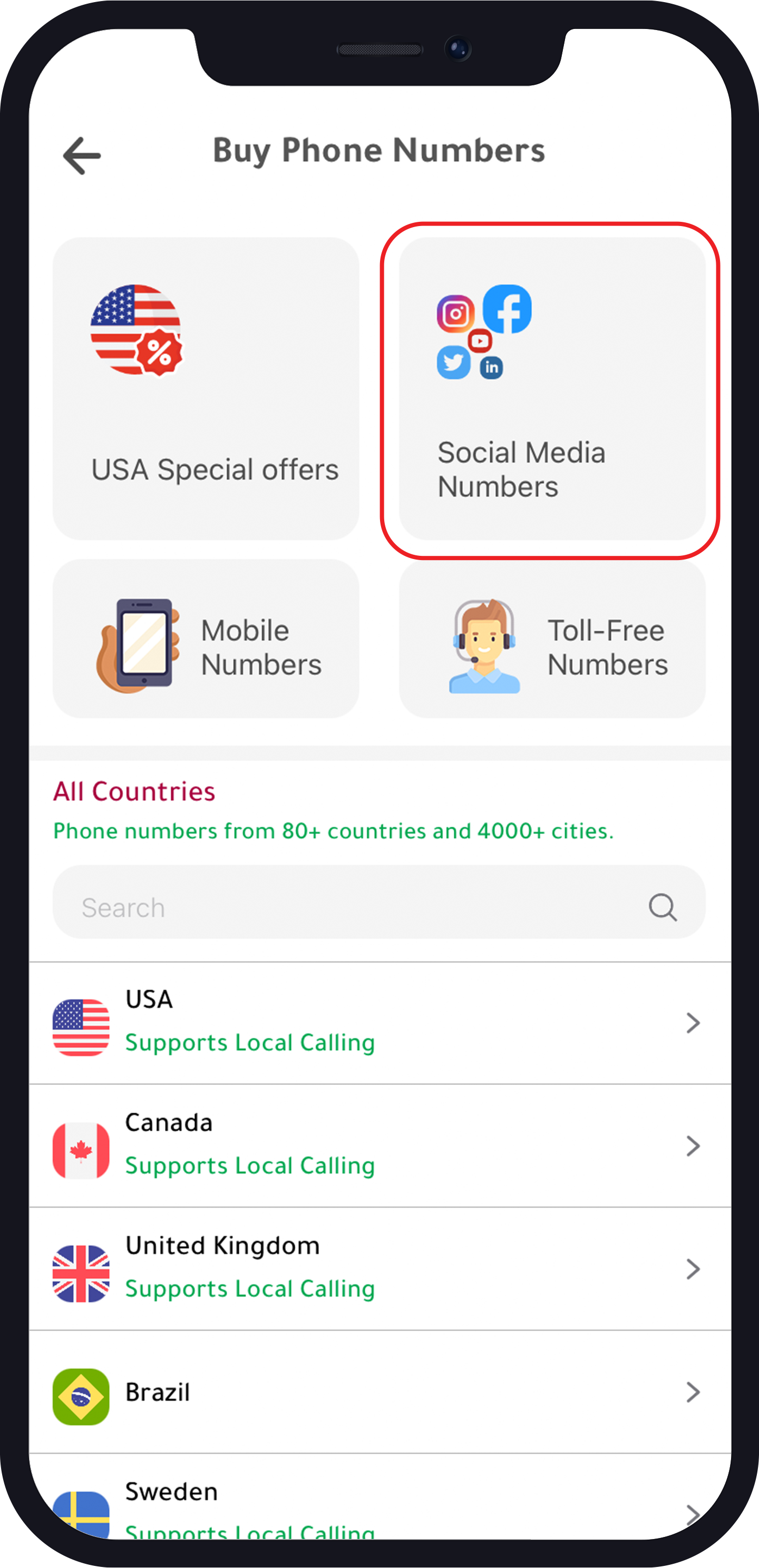
- Social Media Numbers
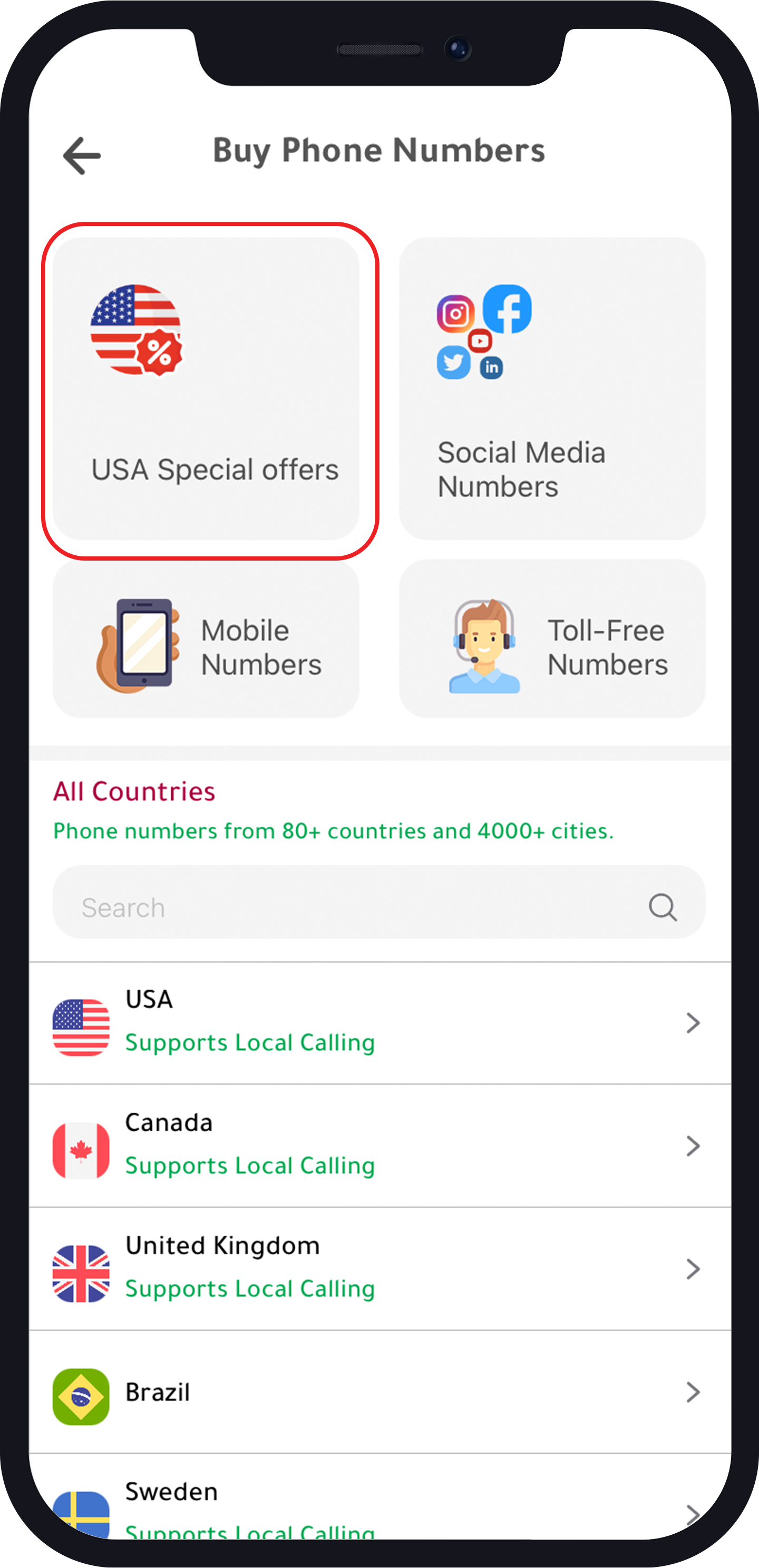
- USA Special Offers Numbers
- Mobile Numbers
For USA Special Offers Numbers:
- Select the area
- Choose the number
- Choose the plan
- Complete the purchase (Note: There is a 70% discount on the annual subscription)
For Social Media Numbers:
- Choose “Number for Other Social Media”
- Choose the number
- Choose the plan
- Complete the purchase
For Mobile Numbers:
- Select the country
- Choose the number
- Choose the plan
- Complete the purchase