

WeChat is a versatile app that combines messaging, social media, and mobile payment features, making it one of the most popular platforms globally. Typically, creating an account on WeChat requires a phone number. However, you can use a virtual phone number from Numero eSIM to register without using your real number. This tutorial will guide you through the process.
Can People from Other Countries Use WeChat?
How to Register on WeChat Without a Phone Number
If you prefer not to use your real phone number, you can register on WeChat using a virtual phone number from Numero eSIM. Here’s how:
Step 1: Get a Virtual Phone Number from Numero eSIM
To create a WeChat account without a real phone number, follow these steps to obtain a virtual number through the Numero eSIM app:
Download the App
- Start by downloading Numero eSIM app from the App Store (iOS) or Google Play Store (Android).

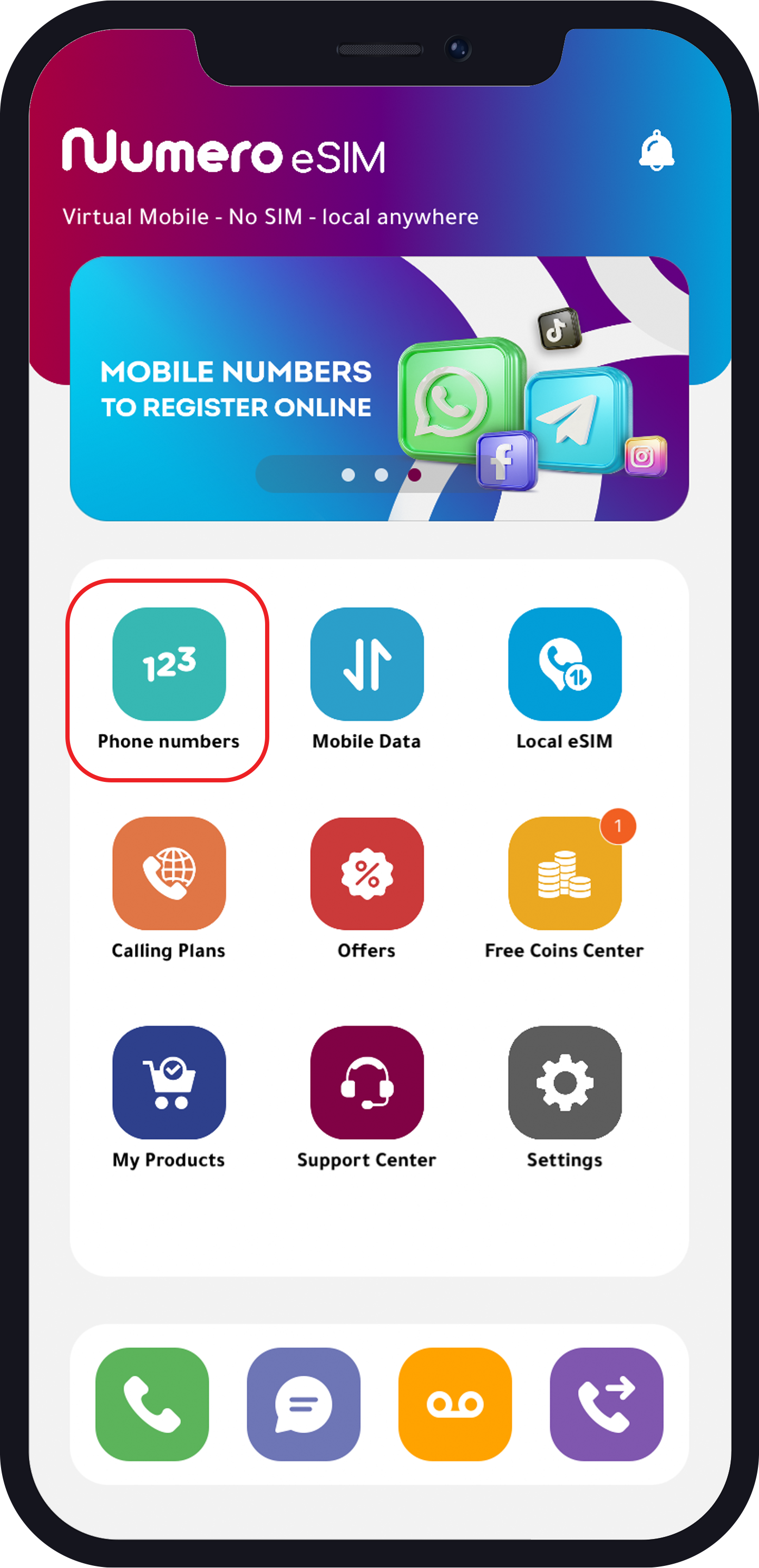
Tap “Phone Numbers”
- Here you have three categories to choose from:
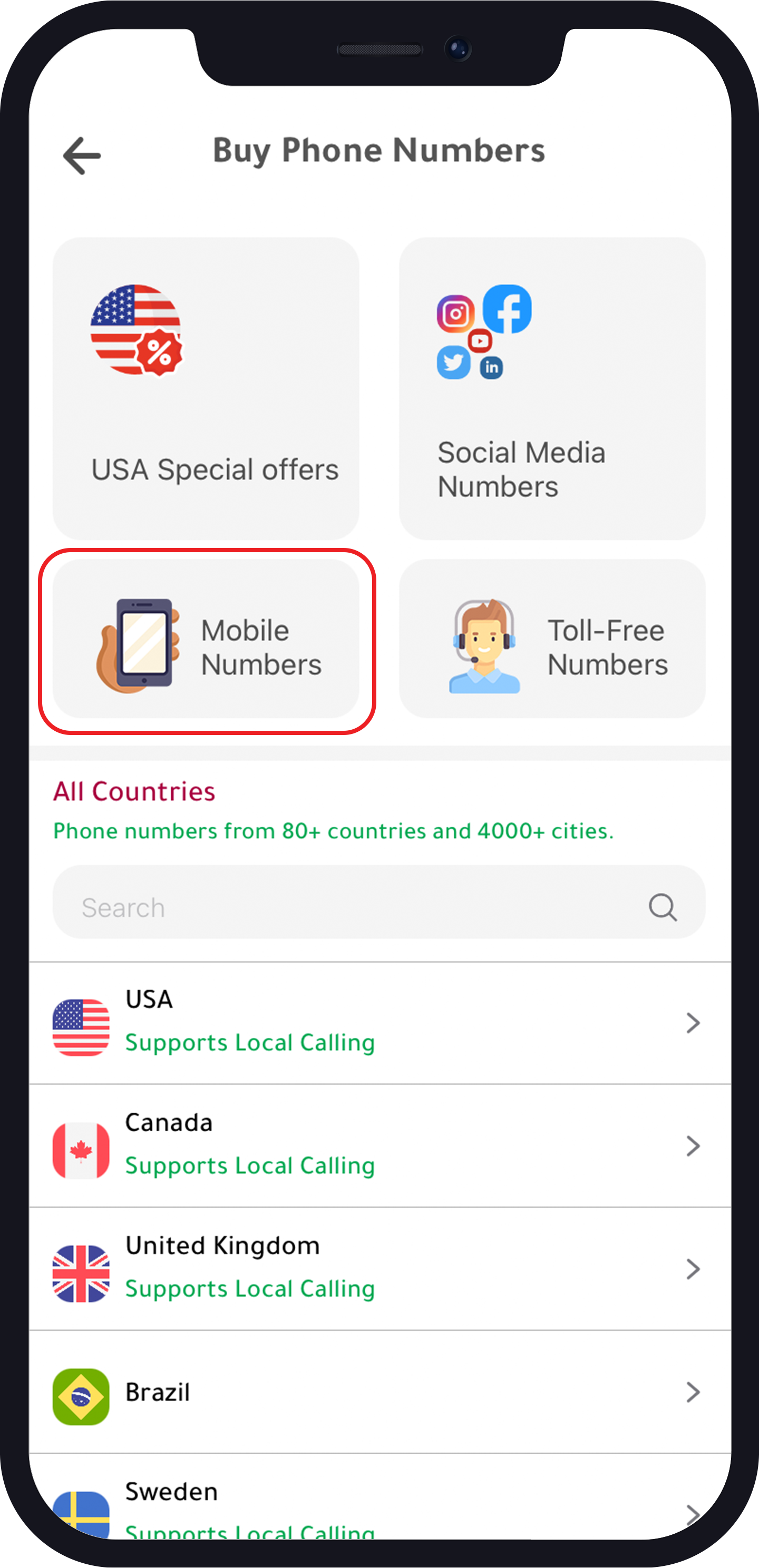
- Mobile Numbers
- USA Special Offers
- Social Media Numbers
Mobile Numbers
- To get a mobile number for available countries:
- Choose the country.
- Choose the area.
- Choose your number.
- Choose your subscription plan (if applicable).
- Buy the plan.
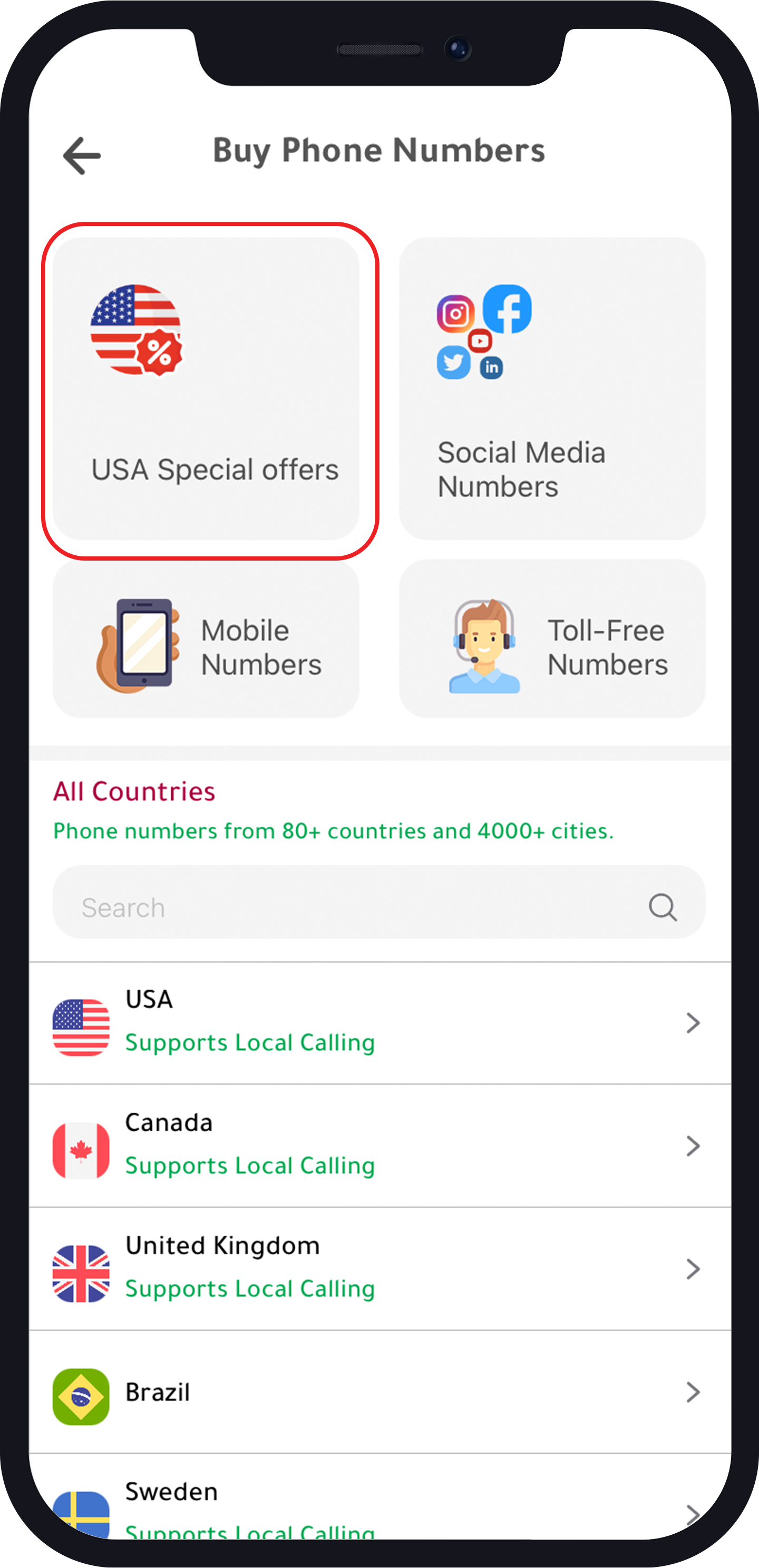
USA Special Offers
- USA mobile numbers with 70% off on annual subscription:
- Choose the area.
- Choose the number.
- Choose your subscription plan.
- Buy the plan.
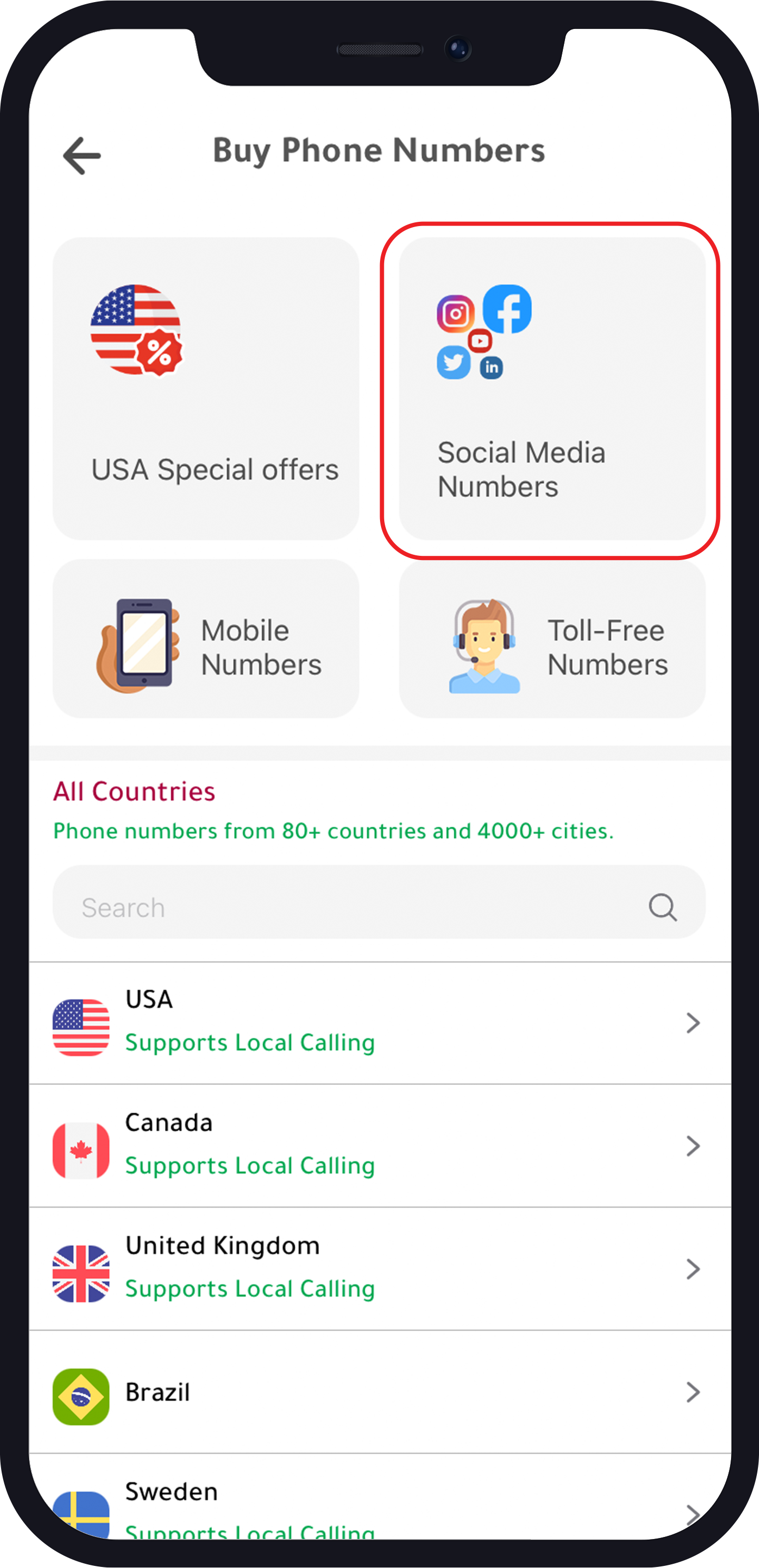
Social Media Number
- To get a number to activate social media accounts from available countries:
- Tap “Number for other social media.”
- Choose your number.
- Choose the subscription plan.
- Buy the plan.
Step 2: Create a WeChat Account
Now that you have a virtual phone number from Numero eSIM, you can proceed to create your WeChat account:
- Download WeChat
- Download the WeChat app from the App Store (iOS) or Google Play Store (Android).
- Open WeChat and Sign Up
- Open the app and tap “Sign Up.”
- Enter the virtual phone number you obtained from Numero eSIM.
- Verification
- WeChat will send a verification code to your virtual phone number.
- Enter the verification code received in Numero eSIM app.
- Complete Registration
- Fill in the required details, such as your name and profile picture.
- Set a password for your WeChat account.
- Start Using WeChat
- Once the registration is complete, you can start using WeChat to chat with friends, join groups, and explore various features.