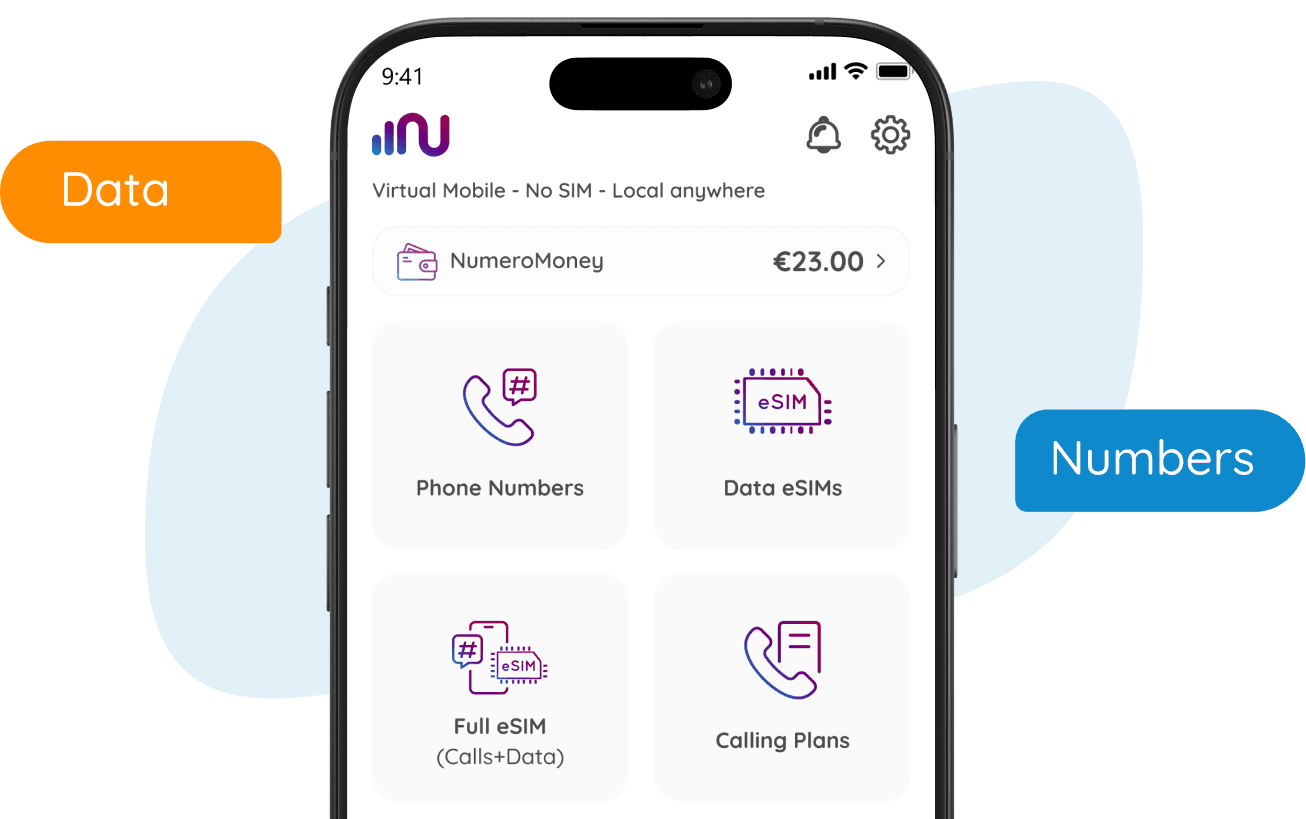
How to Use
Follow these steps to make and receive calls & SMS.
Watch our video tutorial for more details.
How to Use Numero for Calls and SMS
Step 1
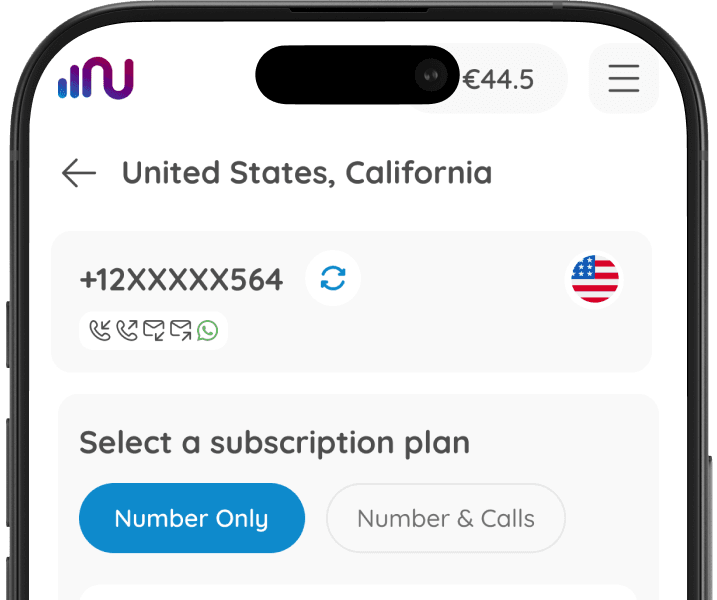
Choose Your Number
Use a virtual number from Numero or your real one.
Step 2
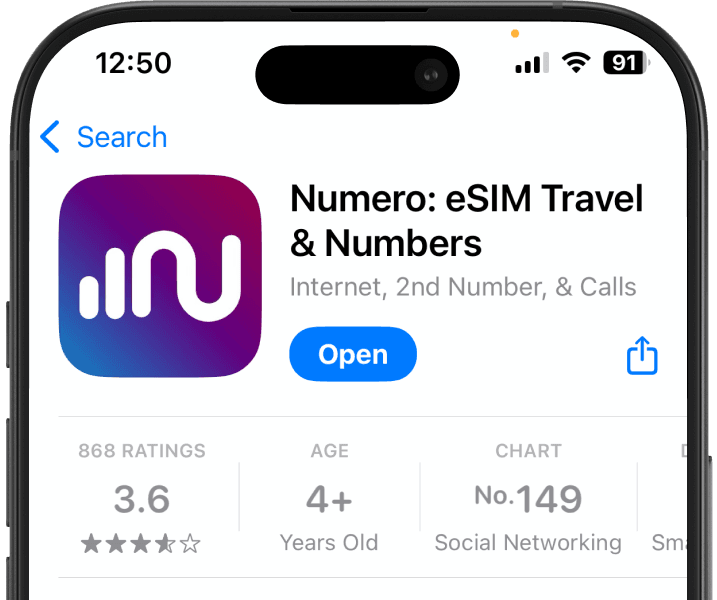
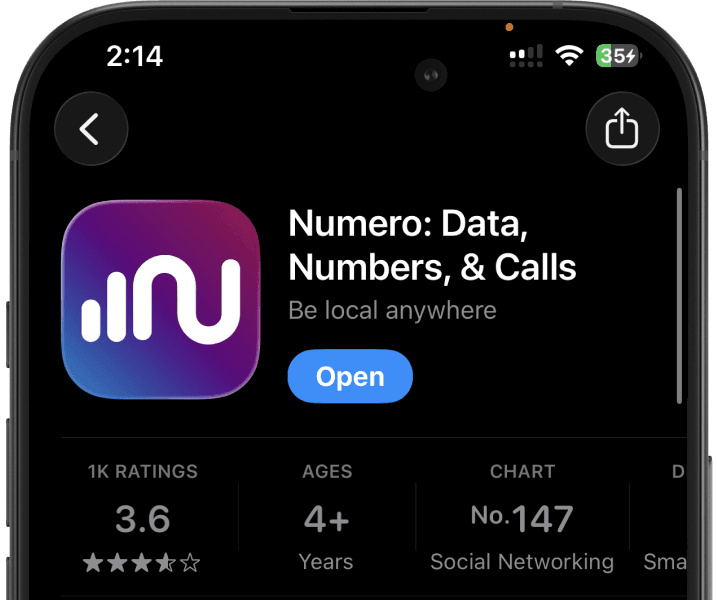
Download the App
Install Numero app and register with your real number.
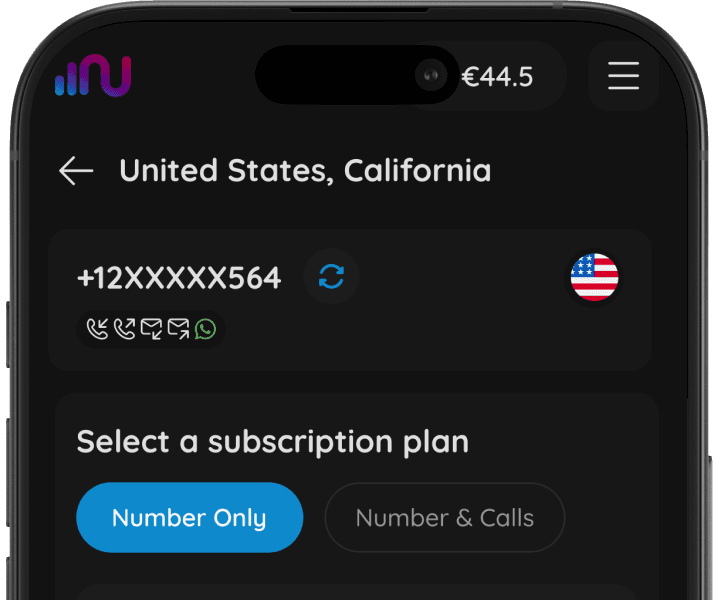
Step 3
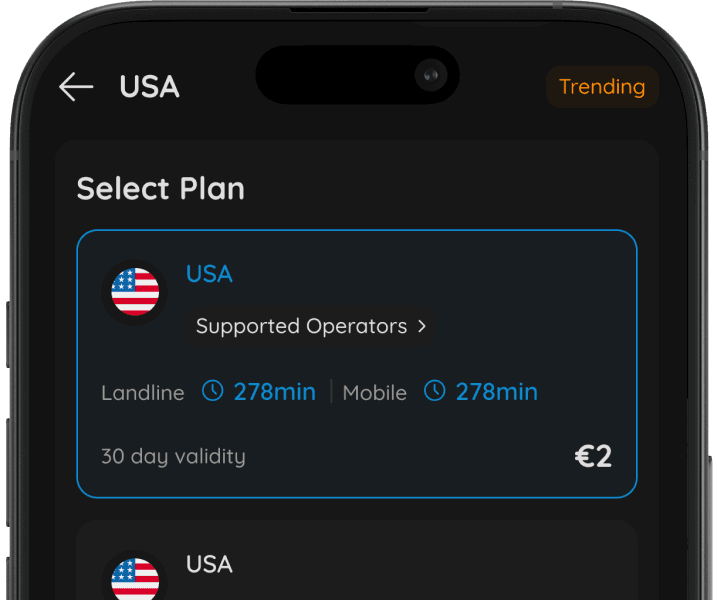
Recharge Your Credit
Use a calling credit pack or choose a calling plan for more affordable calls.
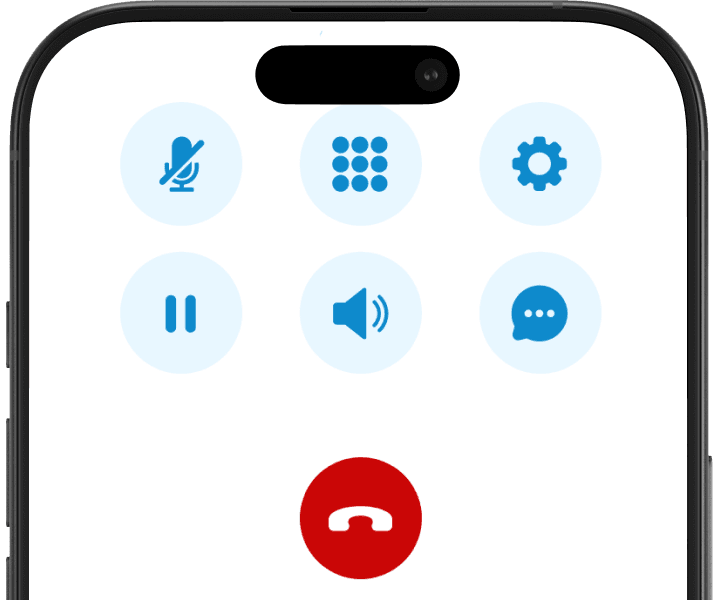
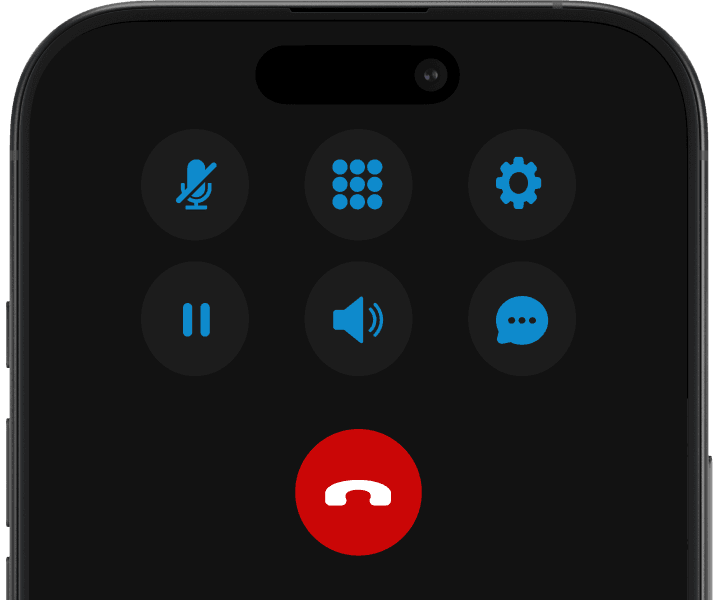
Step 4
Make a Call
In the dial pad screen, choose your default number, add the receiver’s number and check the rates.
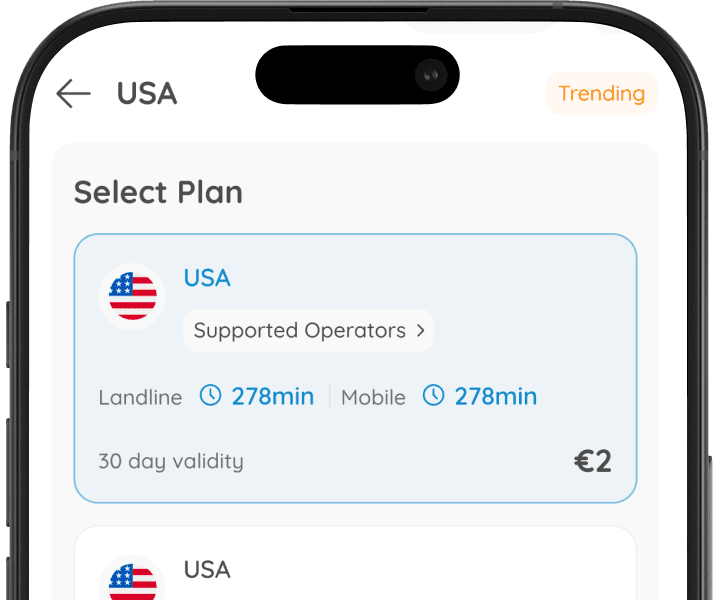
Step 5
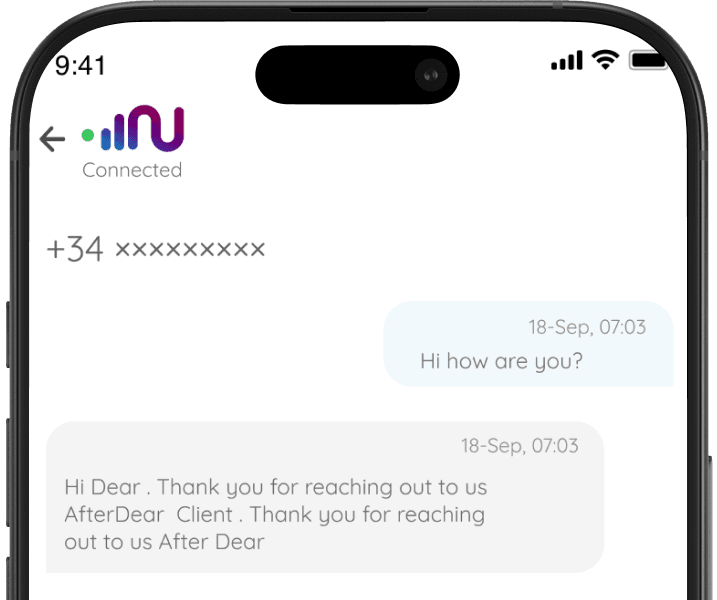
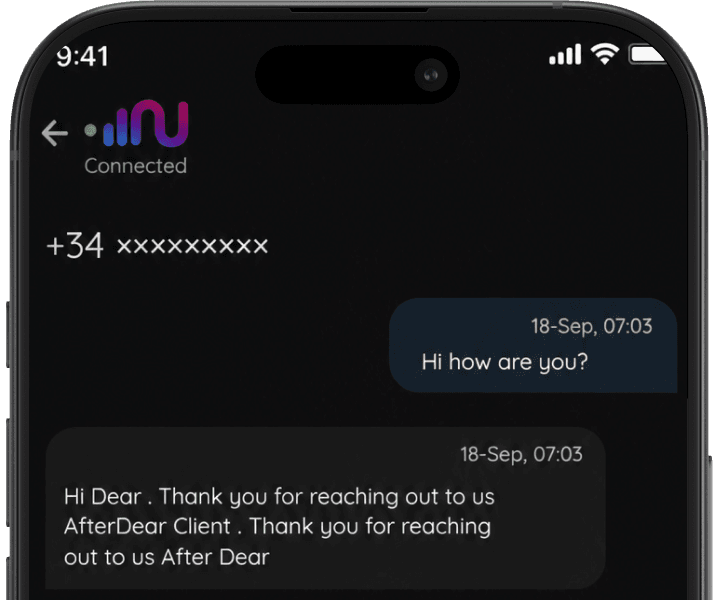
Send SMS
In the SMS screen, choose your default number, add the contact and compose the message.
Calling Service Features
VoIP Technology
All calls/SMS are made over the internet for better quality and lower costs.
Flexible ID
Choose to display your real number, a virtual number or hide your number entirely.
Local and International Calls
Make calls locally or to international numbers seamlessly.
No Roaming Charges
Receive calls for free on all numbers.
Cost Transparency
Calling rates are displayed before you connect, ensuring no hidden charges.
Secure Calls
All calls are encrypted to maintain your privacy.
Call Forwarding
Redirect your calls to another number for convenience.
Voicemail
Receive voice messages when unavailable.
FAQ about Data eSIM cards

FAQ Concept
Quick answers to the most common questions from travelers using a Numero Data eSIM.
Join +30M Travelers worldwide trust
Numero eSIMs
Provides prepaid travel data across 200+ countries. Enjoy a steady, affordable internet connection anywhere you travel.